When people ask “How to attach tax forms and schedules?”, they usually mean: “What do I include with my tax return, what order should it go in, and how do I physically (or digitally) attach everything so it won’t get rejected or delayed?” This article covers the practical, real-world workflow for attaching tax forms, tax schedules, and supporting statements—including common items like W‑2s, 1099s with withholding, and schedules such as Schedule C (business), Schedule D (capital gains), Schedule E (rental/pass-through), and Schedule SE (self-employment). You’ll also get a simple assembly method for paper filing (so pages don’t go missing), plus an e-file version (where “attachments” often mean built-in entries or PDF uploads). While exact requirements vary by country, software, and tax agency (and even by the specific form you’re filing), the structure below is a reliable framework for keeping your return organized and easy to process
Understanding What “Forms,” “Schedules,” And “Statements” Mean
Think of your return as a mini packet:
- Main return: The core form (for example, a personal return or a business return) that summarizes everything.
- Schedules: Add-on pages that calculate specific categories (income types, deductions, taxes) and then feed totals back into the main return.
- Supporting forms: Additional forms that compute a credit, a special tax, depreciation, or report a transaction type.
- Statements/attachments: Extra details (often required only in certain situations), like explanations, elections, or itemized listings.
Key idea: you generally attach what the instructions require—not every document you own. Over-attaching can be as messy as under-attaching.
Before You Assemble Anything
Do this first to avoid rework later:
- Use your main return as the “table of contents.” Wherever the return says “attach” or references a schedule/form, make sure you have it completed.
- Match names and IDs everywhere. Ensure the taxpayer/business name and ID numbers are consistent across all pages.
- Confirm withholding proof rules. Many tax agencies want wage/retirement forms with withholding attached (common examples: W‑2; some 1099 variants showing tax withheld).
- Collect required supporting statements. If you’re making special elections or reporting unusual items, the return may require a separate statement.
- Decide: e-file vs paper file. This changes what “attach” means. E-file often embeds schedules automatically; paper requires a physical packet.
Pro tip: Make a quick checklist on a sticky note: “Main return signed, schedules present, withholding forms attached, payment voucher (if any), copy saved.”
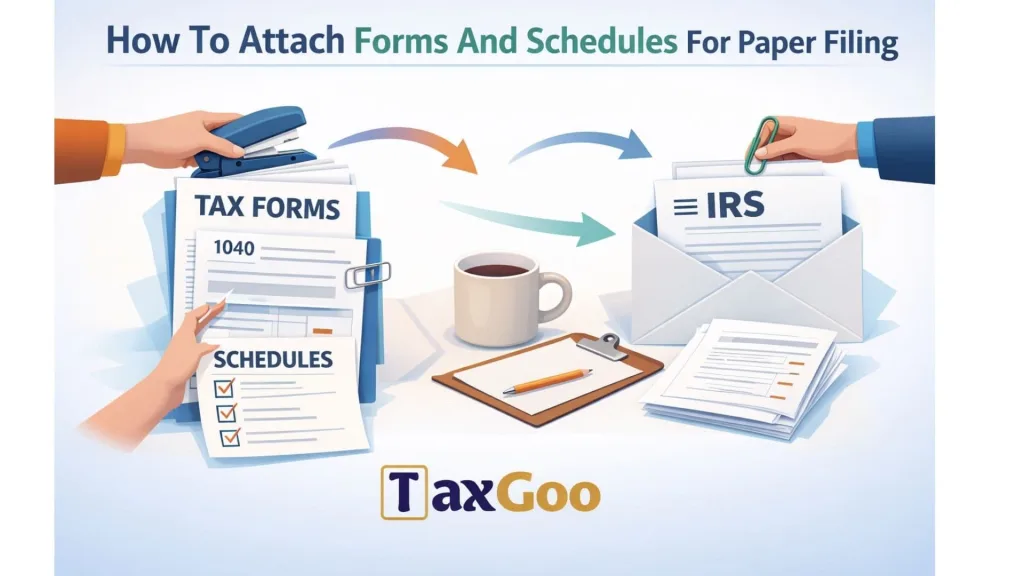
How To Attach Forms And Schedules For Paper Filing
Paper filing is where people get tripped up—mostly because pages end up out of order or important slips don’t get included.
Step 1: Put The Main Return On Top
- Print the full return.
- Place the main return first (page 1 on top, then page 2, etc.).
- Sign and date exactly where required (missing signatures are a top reason paper returns get delayed).
Step 2: Attach Schedules In The Recommended Order
A common best practice:
- Main return
- Schedules (the ones referenced most directly by the main return)
- Other forms (credits, additional taxes, depreciation, etc.)
- Supporting statements (if required)
If your tax form instructions specify an attachment order, follow that order. If they don’t, use a “closest-to-the-summary-first” approach: schedules that feed directly into the main totals should come earlier.
Step 3: Attach Withholding Documents Correctly
- If you have wage/withholding forms that must be attached, attach them where the return tells you (some returns have a dedicated “attach here” area).
- Only attach originals when required; otherwise, follow the official instructions for copies vs originals.
Step 4: Don’t Staple Like A Maniac (Use The “Clean Packet” Method)
Different agencies have different preferences, but the safest general approach is:
- Use one staple in the top-left corner for the main packet if staples are allowed.
- If the instructions say “do not staple,” use paper clips instead.
- Keep receipts, worksheets, and personal notes out of the mailed packet unless explicitly required.
Step 5: Payment Goes With The Voucher, Not Buried In The Packet
If you’re including a payment:
- Use the official payment voucher (if your return provides one).
- Put the check and voucher together as instructed (often separate from the return pages).
- Never staple a check to the return unless the instructions specifically say to.
Step 6: Mail Like You Actually Want Proof
- Use the correct mailing address for your form type and location.
- Consider tracked mailing or certified options if you want delivery confirmation.
- Keep a complete copy (PDF or paper) of everything you mailed.
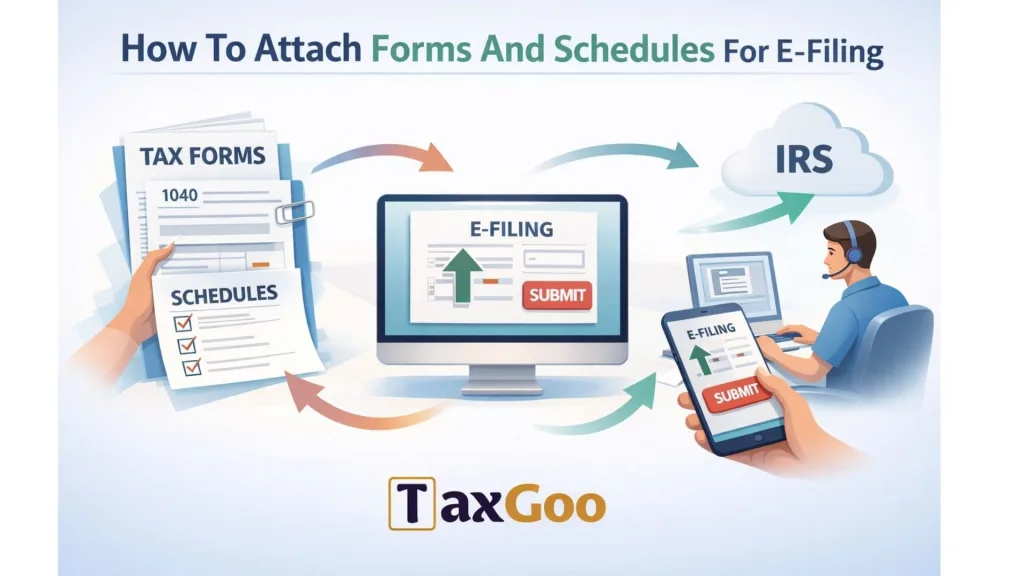
How To Attach Forms And Schedules For E-Filing
E-filing is less about “attaching pages” and more about “including everything the software transmits.”
Step 1: Enter Data So The Software Generates The Right Schedules
Most reputable tax software automatically generates schedules/forms when you enter:
- self-employment income/expenses (often creates business schedules),
- investment sales (capital gains schedules),
- rental income/expenses,
- credits and deductions.
So the “attachment” is usually built into the e-file output.
Step 2: Add PDF Attachments Only When Required
Some situations require PDF attachments (for example, special statements, elections, or unusual documentation). If your software has an “Attach PDF” or “Supporting Documents” area:
- Use clear filenames (e.g.,
Statement_SectionXYZ.pdf). - Keep it readable and concise.
- Only attach what the filing instructions require.
Step 3: Keep Your Proof, Even If You Don’t Upload It
Even when you don’t attach documents (like receipts), you should keep them in your records in case of questions later:
- receipts,
- mileage logs,
- invoices,
- brokerage statements,
- bank interest statements.
E-file is “submit what’s required, retain what supports it.”

FAQs
Do I Need To Attach Every Tax Document I Received?
No—usually you attach only what the instructions require (often forms showing withholding), and you keep the rest for your records.
What Order Should I Put Schedules In?
Put the main return first, then the schedules and forms that feed into it; if the official instructions specify an order, follow that.
Should I Staple My Tax Return?
Only if the filing instructions allow it; otherwise use a paper clip or submit loose pages as directed.
If I E-File, Do I Still “Attach” Schedules?
Yes, but it’s automatic—your software includes the schedules in the electronic submission when you enter the right information.