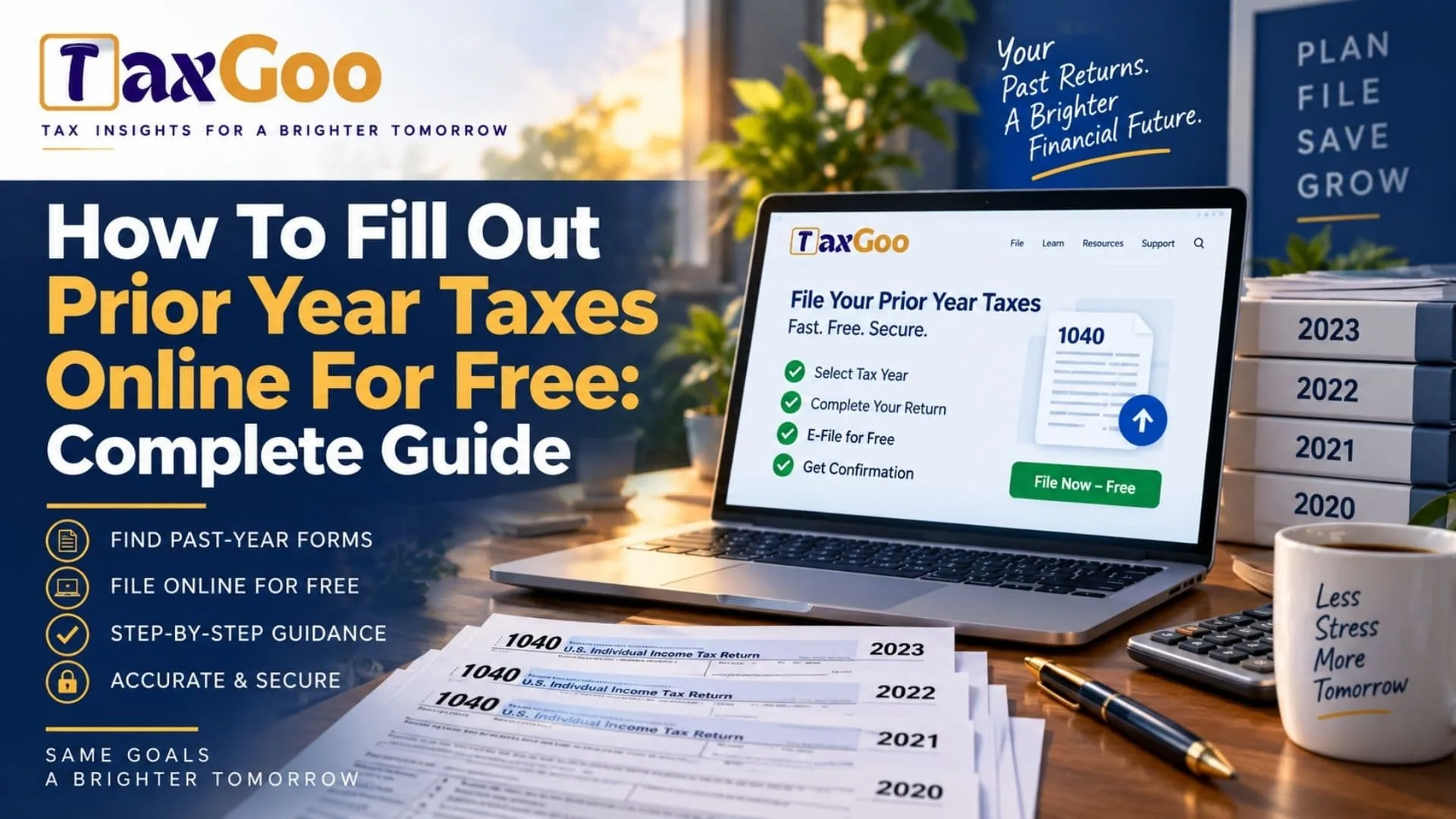
How To Fill Out Prior Year Taxes Online For Free: Complete Guide explains the steps taxpayers can take to complete missed tax returns without paying unnecessary preparation fees. Filing prior year taxes is important for people who missed a deadline, need to claim an old refund, correct their tax records, or respond to an IRS request. Many taxpayers search for ways to fill out prior year taxes online for free because preparing older tax returns can seem complicated. The process involves collecting previous tax documents, finding the correct year’s tax forms, entering income information, claiming eligible deductions and credits, and submitting the completed return according to IRS requirements. While current-year tax software is widely available, prior year tax filing often requires special tools because tax laws, forms, and rules change each year. The IRS provides access to prior year forms and instructions, while some tax software providers offer options to prepare older returns online. This guide explains how to file previous tax returns, where to find free resources, and what steps to follow when completing past tax years.
Why You May Need To File Prior Year Taxes
There are several reasons someone may need to complete a prior year tax return.
Some common situations include:
- Missing a tax filing deadline
- Receiving a notice from the IRS
- Claiming a refund from a previous year
- Correcting incomplete tax records
- Applying for loans or financial assistance that requires tax documents
Filing old tax returns can help keep your tax history accurate and prevent potential issues with the IRS.
The IRS allows taxpayers to file past-due tax returns for previous years. However, refund claims generally have specific time limits, so taxpayers should review their situation carefully.
Can You Fill Out Prior Year Taxes Online For Free?
Yes, it is possible to prepare prior year taxes online, but free options depend on the tax year, your situation, and the software provider.
The IRS provides free access to prior year tax forms and instructions, allowing taxpayers to download the correct documents needed for older returns.
Some online tax preparation services also provide prior year tax software. These platforms allow users to enter old income information, calculate taxes, and prepare returns. Availability and pricing may vary depending on the tax year.
For eligible taxpayers, IRS Free File provides free federal tax preparation options for current returns, while prior year filing may require different tools or paper filing methods depending on the year involved.
Step 1: Gather Your Prior Year Tax Documents
Before starting your old tax return, collect all necessary documents from that specific year.
Important documents may include:
- W-2 forms from employers
- 1099 forms for other income
- Bank interest statements
- Investment records
- Mortgage interest statements
- Education documents
- Previous tax returns
If you lost important income documents, you may be able to request wage and income information through IRS transcript services.
Having complete records makes the filing process easier and reduces mistakes.
Step 2: Find The Correct Tax Forms For The Year
Tax forms change regularly, so it is important to use forms from the correct tax year.
For example, a 2021 tax return must use 2021 tax forms and instructions, not current-year forms.
The IRS provides prior year forms, instructions, and publications through its online archive.
Using the wrong forms can result in calculation errors or processing delays.
Step 3: Choose A Prior Year Tax Filing Method
There are several ways to complete previous tax returns.
Online Tax Software
Some tax preparation services offer prior year tax software. These programs guide taxpayers through income, deductions, credits, and calculations.
Online software can be helpful because it reduces manual calculations and helps identify missing information.
IRS Forms And Instructions
Taxpayers can download official IRS forms and complete them manually.
This option is free but requires more knowledge about tax rules and calculations.
Tax Professional Assistance
For complex situations involving businesses, investments, or multiple years of missed returns, professional assistance may be useful.

Step 4: Enter Your Income Information
The next step is entering all income received during the prior tax year.
Common income sources include:
- Employment wages
- Self-employment earnings
- Interest income
- Dividend income
- Rental income
- Retirement income
Make sure the information matches your official tax documents.
Incorrect income reporting is one of the most common reasons tax returns require additional review.
Step 5: Add Tax Deductions And Credits
After entering income, review available deductions and credits.
Depending on the tax year, taxpayers may qualify for benefits such as:
- Child-related tax credits
- Education credits
- Retirement contributions
- Certain business deductions
- Home-related deductions
Tax rules change over time, so always check the available deductions and credits for that specific year.
Step 6: Review And Submit Your Prior Year Return
Before submitting your completed tax return, carefully review:
- Personal information
- Income details
- Bank information
- Filing status
- Tax calculations
Some prior year returns cannot be submitted electronically and may need to be printed and mailed. Certain older tax years have different filing requirements.
Keep copies of everything you submit for your records.
Common Mistakes When Filing Old Tax Returns
Filing prior year taxes can become difficult if important details are missed.
Common mistakes include:
Using Current Tax Rules
Each tax year has different rules, deductions, and tax brackets.
Missing Income Documents
Leaving out income can create problems with IRS records.
Incorrect Filing Status
Your filing status can affect tax calculations, deductions, and credits.
Forgetting State Tax Returns
Some taxpayers need to file both federal and state prior year returns.
How Long Does Prior Year Tax Processing Take?
Older tax returns often take longer to process than current-year electronic returns.
Processing time depends on factors such as:
- Filing method
- Tax year
- Accuracy of information
- IRS workload
- Additional reviews
Taxpayers should keep copies of submitted documents and monitor any IRS communication after filing.
Can You Get A Refund From A Prior Year Tax Return?
In some cases, taxpayers may still claim refunds from previous years.
However, refund claims usually have deadlines. If too much time has passed, the refund may no longer be available.
Anyone filing an old return should check the refund eligibility rules for that specific tax year.
Understanding The Prior Year Tax Filing Process
Learning how to fill out prior year taxes online for free can make the process less stressful. Whether you missed a filing deadline or need to update your tax records, completing an old return requires accurate information and the correct forms.
By gathering documents, choosing the right filing method, and following the rules for the specific tax year, taxpayers can successfully complete prior year tax returns.
Taking care of missed tax filings can help maintain accurate records and provide clarity about your financial history.
FAQs
Can I File Prior Year Taxes Online For Free?
Yes, you may be able to prepare prior year taxes online using available tax software or free IRS forms, depending on the tax year and filing requirements.
How Far Back Can I File A Tax Return?
You can generally file tax returns for previous years, but refund eligibility may have time limits.
Can I E-File A Prior Year Tax Return?
Some prior year returns can be electronically filed, but older tax years may require printing and mailing the return.
Where Can I Find Old Tax Forms?
The IRS provides prior year tax forms, instructions, and publications online for taxpayers.