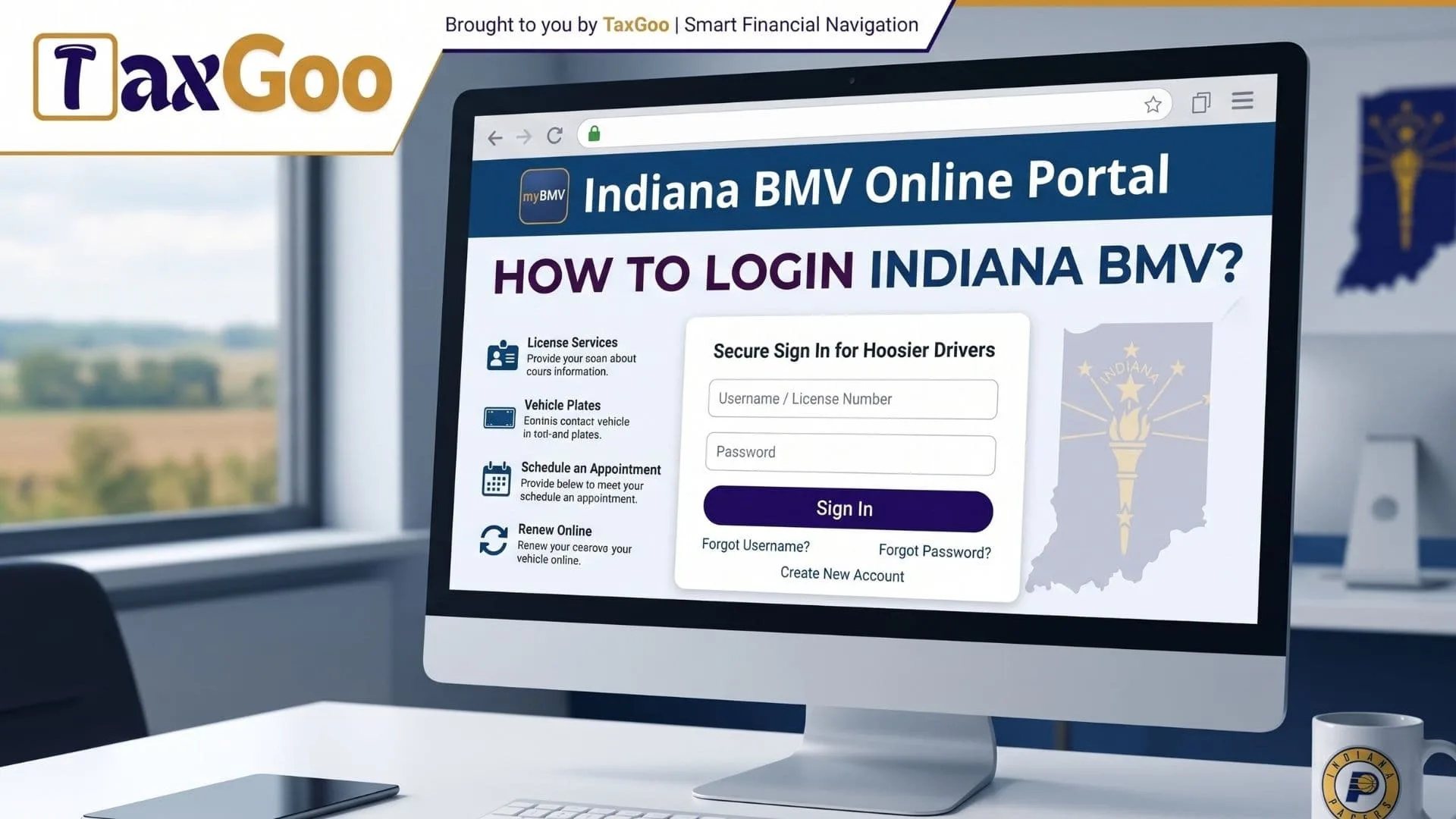
How To Login Indiana BMV? This is a common question for Indiana drivers who want to access their myBMV account, renew a driver’s license, renew vehicle registration, view a driving record, update contact information, replace a driver’s license, check title status, pay reinstatement fees, schedule a driving test, or manage Indiana Bureau of Motor Vehicles services online. The official Indiana BMV online portal is called myBMV, and it helps residents complete many routine transactions without visiting a local branch. According to the Indiana Bureau of Motor Vehicles, myBMV allows users to access information and complete dozens of transactions online, making it a convenient option for drivers, vehicle owners, and residents who need quick BMV services from anywhere.
What Is The Indiana BMV Login?
The Indiana BMV login is the sign-in process for myBMV, the online account system used by the Indiana Bureau of Motor Vehicles. With a myBMV account, users can manage many license, registration, title, and driving record services online.
Instead of waiting in line for simple tasks, you can log in, choose the service you need, review your information, and complete the transaction. It is especially useful for busy drivers who want to handle BMV tasks before work, after dinner, or while sipping coffee in pajamas.
How To Login To Indiana BMV Online
To log in to Indiana BMV online, go to the official myBMV website and enter your username and password. The myBMV login page includes fields for “User Name” and “Password,” plus links for forgotten usernames, forgotten passwords, account creation, plate renewal without an account, and reinstatement fee payment without an account.
After entering your login details, follow the on-screen steps. You may be asked to confirm personal information, choose a transaction, review fees, or submit payment. Always make sure you are using the official Indiana BMV website before entering personal information.
How To Create A myBMV Account
If you do not already have an account, you can create one from the myBMV login page. Look for the option that says “Click here to Create Account.” You will likely need identifying information so the system can connect your account to your Indiana BMV record.
Once your account is created, keep your username and password somewhere safe. Do not share your login with anyone. Your myBMV account may include personal driving, registration, and vehicle details, so it should be protected like any other important online account.
What Can You Do After Logging In?
Once you log in to myBMV, you can complete many Indiana BMV services online. The official myBMV overview lists available online transactions such as vehicle registration renewal, duplicate registration card, driver’s license renewal, duplicate driver’s license, ID card renewal, replacement ID card, replacement learner’s permit, email updates, mailing address updates, insurance information updates, driving record viewing, official driving record purchases, reinstatement fee payments, duplicate title requests, title replacement tracking, branch appointment scheduling, branch wait time viewing, and driving test scheduling.
This makes the Indiana BMV login useful for both everyday drivers and people handling time-sensitive vehicle paperwork. A quick login can save a trip to the branch when the service is available online.
Can You Use myBMV Without An Account?
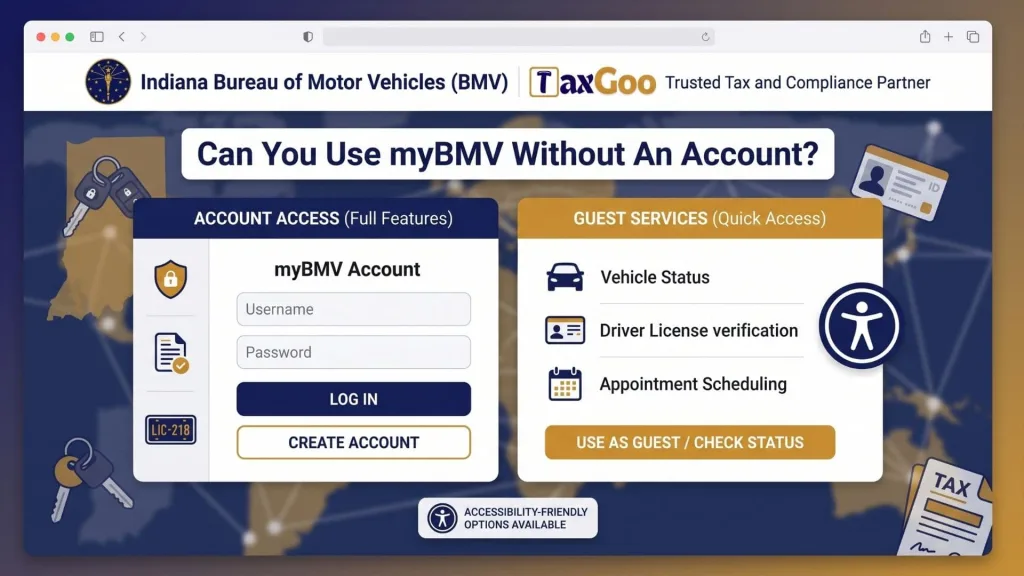
Yes, some services may be available without creating a full myBMV account. The Indiana BMV login page shows options to renew license plates without creating an account and to pay reinstatement fees without creating an account.
This is helpful if you only need one simple transaction. Still, creating an account can be better if you want easier access to your information, transaction history, and future BMV services.
Why Your Indiana BMV Login May Not Work
There are several reasons your Indiana BMV login may not work. You may have entered the wrong username or password, your account information may not match your record, your browser may need refreshing, or the website may be down for maintenance.
The myBMV login page notes that myBMV.com and Connect kiosks are unavailable every Sunday from 5 a.m. until 11 a.m. ET for routine maintenance. If you try to log in during that window, the issue may not be your account at all. It may simply be maintenance time.
How To Recover Your Username Or Password
If you forgot your username or password, use the recovery links on the myBMV login page. The page includes “Forgot your password?” and “Forgot your username?” links.
Follow the prompts carefully and enter the required information. Choose a strong new password if you reset it. Avoid simple passwords like your name, birthday, license plate number, or anything easy to guess.
Tips For A Smooth myBMV Login
Use a secure internet connection when logging in. Avoid public Wi-Fi if you are entering personal details or payment information. Clear your browser cache if the page does not load correctly, and try another browser if the problem continues.
It is also smart to update your mailing address before checking out. The Indiana BMV notes that if you update your mailing address after items are already in your cart, those items may still be sent to the original address on file.
Final Thoughts
The Indiana BMV login process is simple once you know where to go and what to expect. Through myBMV, Indiana residents can handle many driver’s license, registration, title, and driving record services online without making an unnecessary branch visit.
Whether you need to renew plates, update contact information, check your driving record, or pay reinstatement fees, the myBMV portal can make the process quicker and easier. Just use the official site, protect your login details, and remember that Sunday morning maintenance may temporarily block access.
FAQs
What Is myBMV?
myBMV is the online portal for the Indiana Bureau of Motor Vehicles. It lets users complete many driver, vehicle, title, and record services online.
How Do I Login To Indiana BMV?
Go to the official myBMV website, enter your username and password, then follow the on-screen steps.
Can I Renew Indiana Plates Without An Account?
Yes. The myBMV login page includes an option to renew license plates without creating an account.
Why Is myBMV Not Working On Sunday?
myBMV may be unavailable during routine Sunday maintenance. The login page says myBMV.com and Connect kiosks are unavailable every Sunday from 5 a.m. to 11 a.m. ET.
Can I Reset My myBMV Password?
Yes. Use the “Forgot your password?” link on the myBMV login page and follow the instructions.