Welcome to the ultimate guide on How to Use Utah Taxpayer Access Point (TAP)? If you are a resident or a business owner in the Beehive State, navigating the Utah State Tax Commission platform can initially seem overwhelming, but it is actually your golden ticket to streamlining your financial obligations. Utilizing the Utah TAP portal allows taxpayers to effortlessly manage their individual income tax accounts, file state taxes online, and submit crucial business tax returns without leaving the comfort of their home. By setting up a secure login, you gain immediate, 24/7 access to essential tax services, whether you need to check your refund status, set up payment agreements, or simply view your past transaction history. This digital gateway eliminates the need to stand in long lines or wait on hold with customer service, giving you direct control over your electronic check payments and important account updates. From filing your local enterprise reporting to managing sales tax, mastering this system ensures that staying compliant is both fast and environmentally friendly, letting you get back to the more creative and exciting parts of your day.
Why You Should Use The Utah Taxpayer Access Point
Taking advantage of this portal comes with a multitude of benefits designed to make your life easier. The platform is completely free to use and available 24 hours a day, seven days a week, meaning you can handle your taxes whenever inspiration strikes. It provides a highly secure online experience that fiercely protects your sensitive personal and financial data from outside threats. Furthermore, choosing to file returns and manage your taxes online is environmentally friendly, and it represents the fastest possible way to get your tax refund deposited directly into your bank account.
Setting Up Your Secure TAP Account
Getting started with the platform is an incredibly simple process. Individuals can actually file current-year tax returns and pay income taxes without even needing to create a special login profile. However, creating a full profile is highly recommended if you want to view past returns, amend previous filings, or manage your account long-term. For business owners, registering an account requires your legal business name and your Federal Employer Identification Number (FEIN) that is already properly registered with the Tax Commission.
Filing Returns And Making Online Payments
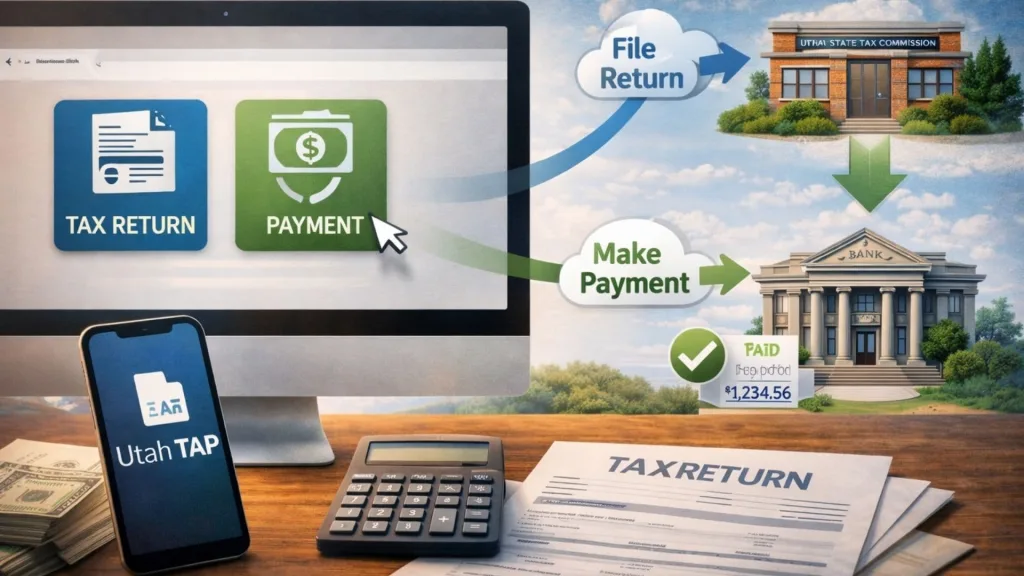
Once you are inside the system, managing your money is incredibly straightforward. You can easily file new tax returns, amend previous ones, and even schedule tax payments for future dates so you never miss a deadline. When it comes to actually paying your balance, the portal offers flexibility; bank account (ACH) payments are completely free of charge, while credit card payments are accepted with a standard 3% convenience fee. You can even view any changes or payments made to your account within 24 hours, ensuring you are always up to date on your financial standing.
Checking Your State Tax Refund Status
Waiting for your money can be the most nerve-wracking part of tax season, but the portal takes the mystery out of the process. You can quickly log in to check the real-time status of your Individual Income Tax refund. Additionally, the system allows you to track the status of specific state programs, such as the Circuit Breaker Renter Refund. This visibility prevents you from having to call in and wait for a representative to track down your check, giving you instant peace of mind.
Managing Your Business Tax Accounts
Entrepreneurs and freelancers will find the platform especially robust for handling specialized commercial taxes. The system supports a wide variety of filings, including Corporate tax, Beer Tax, Cannabinoid Products Tax, and Restaurant Tax. Furthermore, business owners can conveniently grant third-party access to their TAP accounts. This means you can easily authorize your accountant, bookkeeper, or payroll professional to handle the heavy lifting on your behalf while you focus on growing your brand and reaching new customers.

Frequently Asked Questions (FAQs)
Who Can Use The Utah TAP System?
Both individuals and businesses can use the portal to manage their Utah tax accounts, file returns, and make payments.
Is There A Fee To Make Payments On TAP?
Bank account (ACH) payments are completely free, but using a credit or debit card will incur a 3% convenience fee.
Do I Need To Create An Account To Pay Taxes?
No, you can submit an individual income tax payment or check your refund status without setting up a full profile.
What Can I Do If I Am A Business Owner?
Business owners can file returns for various tax types, manage sales tax, and securely grant third-party access to their accountants or bookkeepers.help.