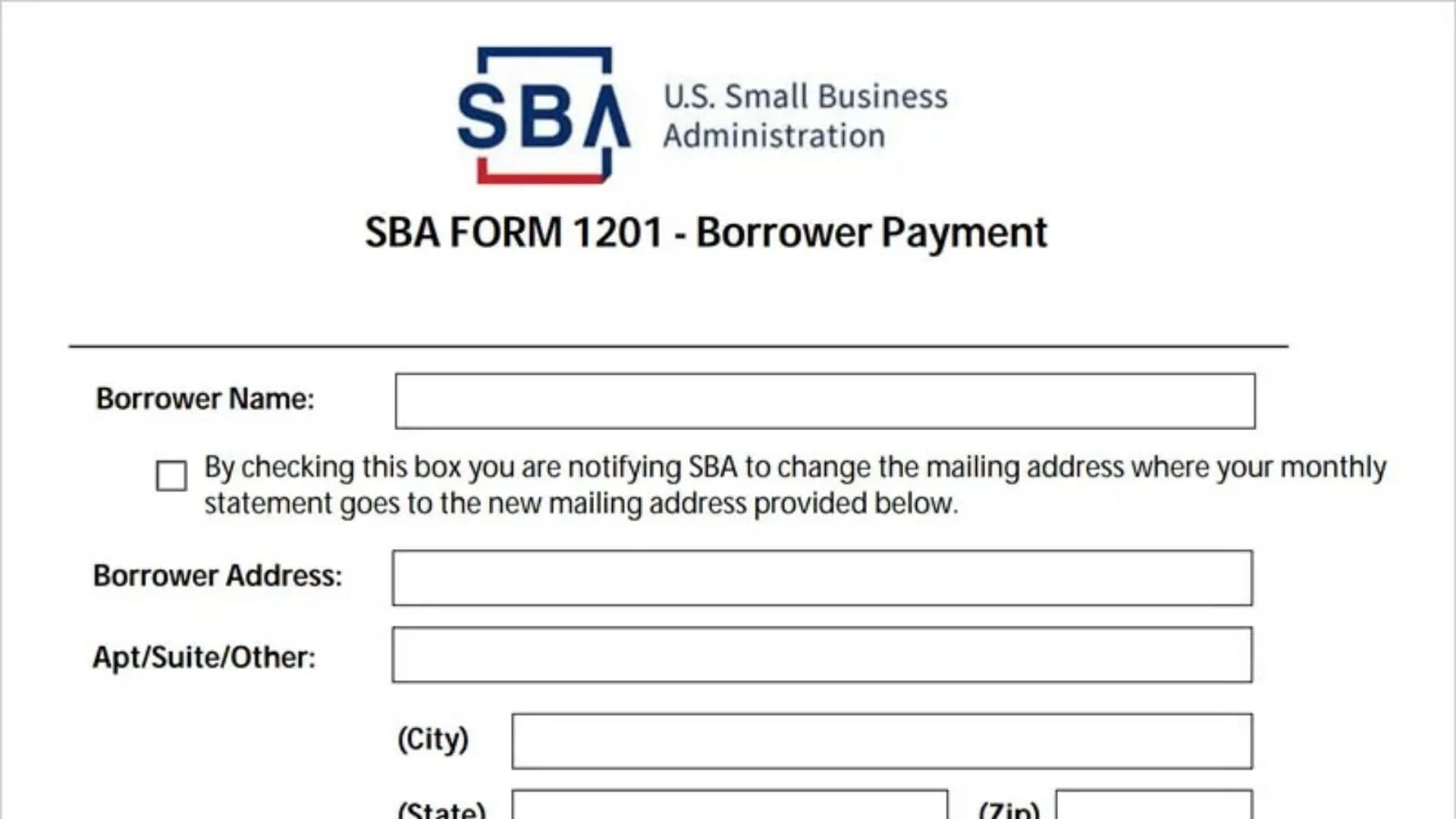
For countless small business owners navigating the post-pandemic economic landscape, the SBA 1201 Borrower Payments Form was once the go-to digital paperwork for managing crucial financial obligations like EIDL loan repayment and other federal lending agreements. However, if you have recently tried to access this familiar document on Pay.gov to make your monthly installment, you likely encountered a digital roadblock that has left many entrepreneurs scratching their heads. This article serves as your comprehensive guide to understanding why the SBA Form 1201 has been discontinued and how to seamlessly transition to the new MySBA Loan Portal, which now acts as the centralized hub for all Small Business Administration loan activities. By mastering this new system, you can ensure your recurring payments are set up correctly, avoid accidental delinquency, and maintain a pristine credit standing for your business. We will walk you through the specifics of the change, how to register for the new portal, and what this digital upgrade means for your future financial compliance and loan management.
The End of an Era for Pay.gov Payments
Effective January 1, 2024, the U.S. Small Business Administration officially retired the 1201 Borrower Payment Form on Pay.gov. For years, this form was the standard method for borrowers to remit payments for direct agency loans, such as the COVID-19 Economic Injury Disaster Loan (EIDL). The shift was not just a simple administrative tweak; it was a strategic move to modernize how the government interacts with business owners. The old system often felt disjointed, requiring users to manually input loan numbers and payment amounts with little visibility into their actual loan balance or payment history. The discontinuation of the 1201 form marks a pivot toward a more user-friendly, transparent, and integrated banking experience.
Enter the MySBA Loan Portal
Replacing the outdated form is the robust MySBA Loan Portal, a dynamic platform designed to give you total control over your federal lending accounts. Unlike the static nature of the old 1201 form, this new portal offers a comprehensive dashboard where you can view your current loan balance, check your next payment due date, and review a detailed history of past transactions. This level of transparency is a game-changer for business owners who previously had to call the SBA customer service line just to confirm if a payment had posted. The portal also allows for secure messaging directly with SBA representatives, creating a streamlined channel for resolving disputes or asking questions about your account.
How to Make Payments Now
Transitioning to the new system is straightforward. To make a payment, you must first register for an account on the MySBA Loan Portal using your Social Security Number or Employer Identification Number (EIN) associated with the loan. Once logged in, you can set up one-time payments using a bank account, debit card, or PayPal. More importantly, you can establish recurring payments, ensuring you never miss a deadline. This automation is a significant upgrade from the manual entry required by the old 1201 form. If you had recurring payments set up through Pay.gov previously, you will need to cancel them there and re-establish them in the new portal to prevent any interruptions or double billing.
What If You Still Need to Refinance?
While the daily use of the 1201 form has vanished for standard payments, its legacy still lingers in specific refinance scenarios involving Paycheck Protection Program (PPP) loans. In rare cases where PPP funds are used to refinance an EIDL loan, lenders and borrowers might still encounter specific remittance instructions that reference the mechanics of the old system. However, for the vast majority of users—99% of business owners reading this—the focus should be entirely on mastering the MySBA interface. The goal is to centralize your financial data, making tax season and year-end accounting significantly less painful than before.
Troubleshooting and Support
Change is rarely without glitches. If you encounter issues registering for the new portal—such as your loan number not being recognized—it is crucial to verify that you are using the correct 10-digit SBA loan number, which is different from your application number. The new system is sensitive to these details. For those who simply cannot access the digital portal, traditional payment methods like mailing a check or using your bank’s online bill pay service are still valid options, though they lack the real-time confirmation that the portal provides. Always ensure your loan number is clearly written on any physical check to avoid processing delays.
Frequently Asked Questions
Q: Can I still use Pay.gov to make my SBA loan payments?
A: No, for most standard SBA loans like the EIDL, the 1201 Borrower Payment Form on Pay.gov is no longer available as of January 1, 2024. You must use the MySBA Loan Portal.
Q: How do I see my loan balance now?
A: You can view your real-time loan balance, interest, and payment history by logging into the new MySBA Loan Portal, which replaces the limited view of the old forms.
Q: What happens to my old recurring payments?
A: They do not automatically transfer. You typically need to cancel old recurring payments on Pay.gov and set up new ones in the MySBA Loan Portal to ensure continued payment.