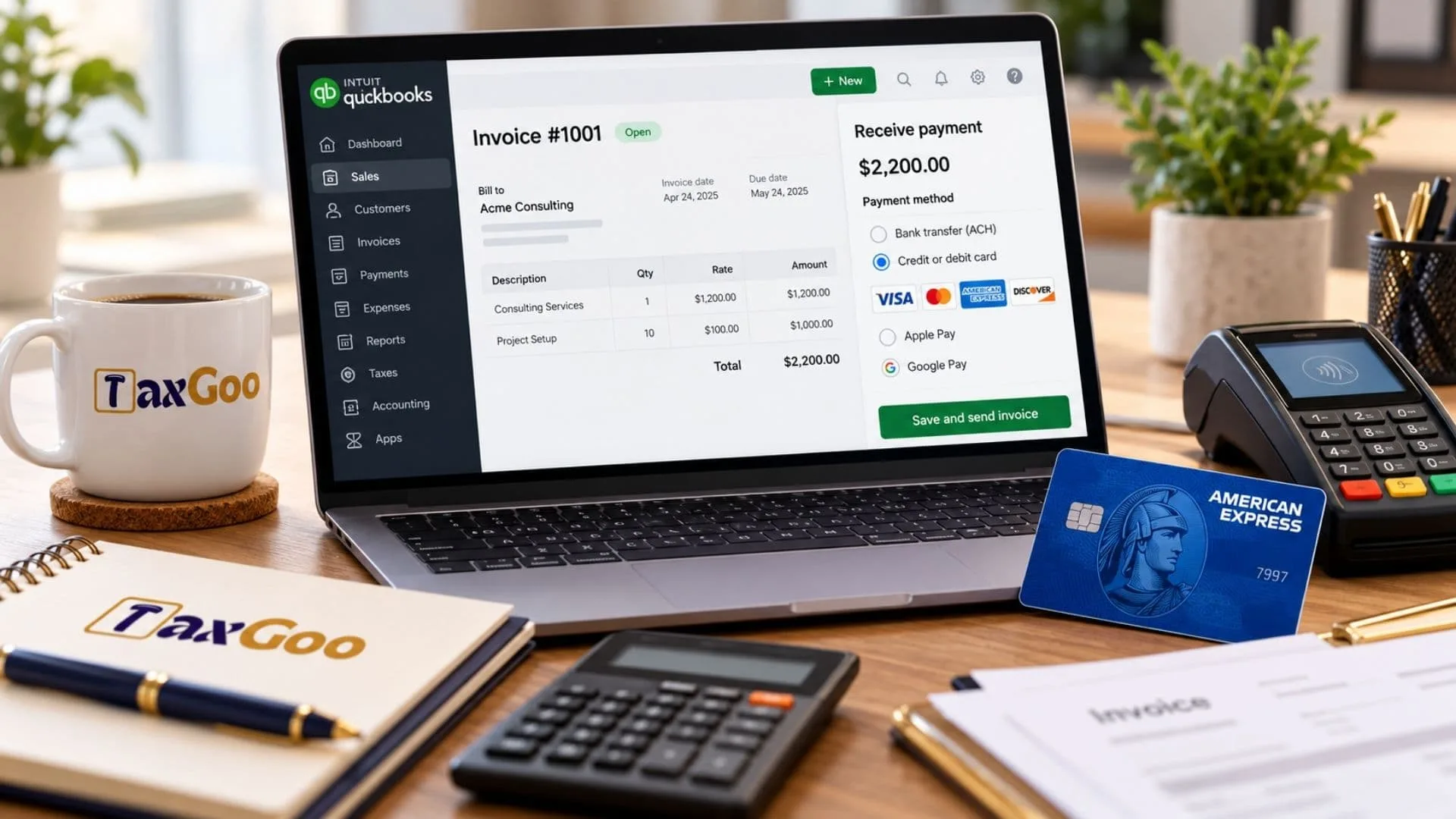
If you are wondering, “Does QuickBooks Online support Amex payment?”, the answer is yes. Businesses using QuickBooks Online with QuickBooks Payments can accept American Express (Amex) credit card payments, provided the payment method is enabled for their merchant account. This feature allows small-business owners, freelancers, consultants, and service providers to offer customers another convenient way to pay invoices and outstanding balances. Accepting Amex through QuickBooks Online can help simplify payment collection, keep transactions connected to your accounting records, and reduce the need to manually track payments received through separate services. However, American Express processing may need to be activated before customers can use it, and the available payment options depend on your account configuration. Understanding how to enable Amex payments in QuickBooks Online, where to check credit card processing rates, and how to troubleshoot missing payment options can help you avoid delays and keep your business finances organized.
Does QuickBooks Online Accept American Express?
Yes, QuickBooks Online supports American Express payments through QuickBooks Payments. Customers can pay eligible invoices using supported credit cards, including American Express, when the merchant account is configured to accept them. According to the official QuickBooks Payments pricing page, the standard published credit card processing rates apply regardless of whether a customer uses Visa, Mastercard, Discover, or American Express. Your actual rates depend on your payment method, product, and account terms. Accepting Amex can be particularly useful for businesses that serve corporate customers or clients who prefer using American Express for its rewards and purchasing benefits.
How To Enable Amex Payments In QuickBooks Online
If American Express does not appear as a payment option on your invoices, you may need to activate it in your QuickBooks Payments account.
Follow these steps:
- Sign In To The Merchant Service Center: Access the QuickBooks Payments merchant account associated with your business.
- Open Your Account Profile: Select Account, then Account Profile.
- Find Payment Methods: Look for the option to add or remove American Express processing.
- Select Add American Express: Choose the option to enable Amex payments.
- Submit Your Request: Confirm the change and submit it.
QuickBooks states that the change generally takes 3 to 5 business days to take effect. If the option is unavailable in your account, contact QuickBooks Payments support for assistance.
You can find the official instructions in the QuickBooks guide to adding or removing American Express processing.
How To Allow Amex Payments On QuickBooks Online Invoices
Enabling American Express for your merchant account may not be the only step. You should also verify that credit card payments are enabled for your invoices.
To review your invoice payment settings:
- Open QuickBooks Online and select Settings.
- Choose Account And Settings.
- Open the Sales tab.
- Find the Invoice Payments section and select Edit.
- Review the available payment methods and make sure the appropriate card payment options are enabled.
- Save your changes.
Once the settings are updated and American Express processing is active, create or open an invoice and review the payment options available to your customers.
The exact settings may differ depending on your QuickBooks version and account configuration.
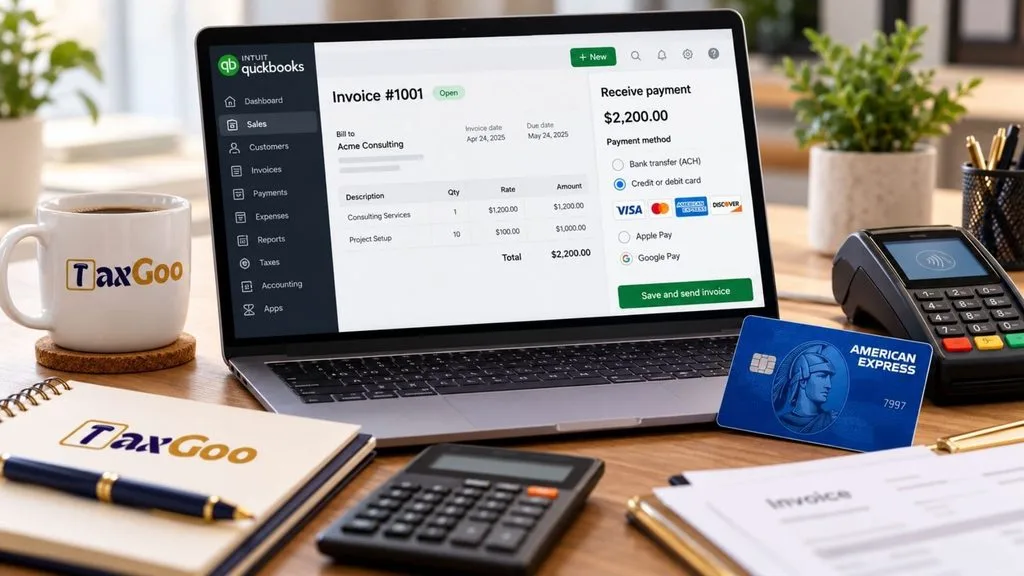
How Much Does QuickBooks Charge For Amex Payments?
QuickBooks Payments publishes different processing rates depending on how a transaction is completed. American Express is generally charged at the applicable credit card rate rather than a separate standard Amex rate.
The following published QuickBooks Online rates provide a useful reference:
| Payment Method | Published Processing Rate |
|---|---|
| Online invoice card payments | 2.99% |
| In-person card payments | 2.5% |
| Manually keyed-in card payments | 3.5% |
These rates are subject to change and may vary by product or payment plan. Check the official QuickBooks Payments rates before budgeting for transaction costs.
For example, if a customer pays a $500 invoice online using Amex and your applicable rate is 2.99%, the processing fee would be $14.95. You would receive approximately $485.05 before any other applicable charges.
Remember that the payment method matters. An in-person transaction and a manually keyed-in card payment may have different rates from an online invoice payment.
What To Do If Amex Is Missing From Your Payment Options
Sometimes, a customer wants to pay with American Express, but the option does not appear on the invoice. Several issues may explain why.
American Express processing is not enabled. Check the merchant service center and confirm that Amex has been added to your account.
Invoice payment settings need updating. Review the payment options in QuickBooks Online to confirm that card payments are enabled.
The account change is still processing. If you recently requested American Express activation, allow the stated processing period of 3 to 5 business days.
Your account needs additional support. If the Amex activation option is missing or payments continue to fail, contact QuickBooks Payments support to review your merchant account.
Avoid asking customers to repeatedly retry a failed payment before checking the account settings. Resolving the underlying issue first can save time for both your business and your customer.
Benefits Of Accepting Amex Through QuickBooks Online
Accepting American Express through QuickBooks Payments offers several practical advantages for businesses.
- More Payment Flexibility: Customers can choose a card they already use for business or personal purchases.
- Simplified Invoice Collection: Customers can pay eligible invoices electronically instead of mailing checks.
- Organized Accounting Records: Payments processed through QuickBooks Payments can flow into your QuickBooks accounting workflow, helping you track invoice balances.
- Convenient Reconciliation: Keeping payments connected to your accounting system can reduce manual recordkeeping and make it easier to match transactions with invoices.
These benefits are especially useful for businesses that send frequent invoices or work with customers who prefer paying by credit card.
Final Thoughts
QuickBooks Online can accept American Express payments through QuickBooks Payments when the appropriate processing option is enabled. If Amex is missing from your invoices, start by checking your merchant account settings and invoice payment preferences. Before accepting payments, review your applicable transaction rates and confirm that the payment methods you want to offer are active. With the correct configuration, you can give customers greater payment flexibility while keeping your invoicing and bookkeeping organized.

Frequently Asked Questions
1. Does QuickBooks Online Accept American Express?
Yes. QuickBooks Payments supports American Express when the payment method is enabled for your merchant account.
2. How Do I Enable Amex In QuickBooks Online?
Sign in to the Merchant Service Center, open Account Profile, select Add American Express under Payment Methods, and submit the request.
3. How Long Does Amex Activation Take?
QuickBooks states that adding or removing American Express processing generally takes 3 to 5 business days.
4. Does QuickBooks Charge Extra For Amex?
QuickBooks publishes credit card rates that generally apply equally to American Express and other supported credit cards. Your rate depends on the transaction method and account terms.
5. Why Is Amex Not Showing On My QuickBooks Invoice?
American Express processing may not be enabled, invoice payment settings may need updating, or your activation request may still be processing.
6. Can Customers Pay QuickBooks Invoices With Amex?
Yes, customers can pay eligible invoices with American Express when your QuickBooks Payments account and invoice settings support that payment option.