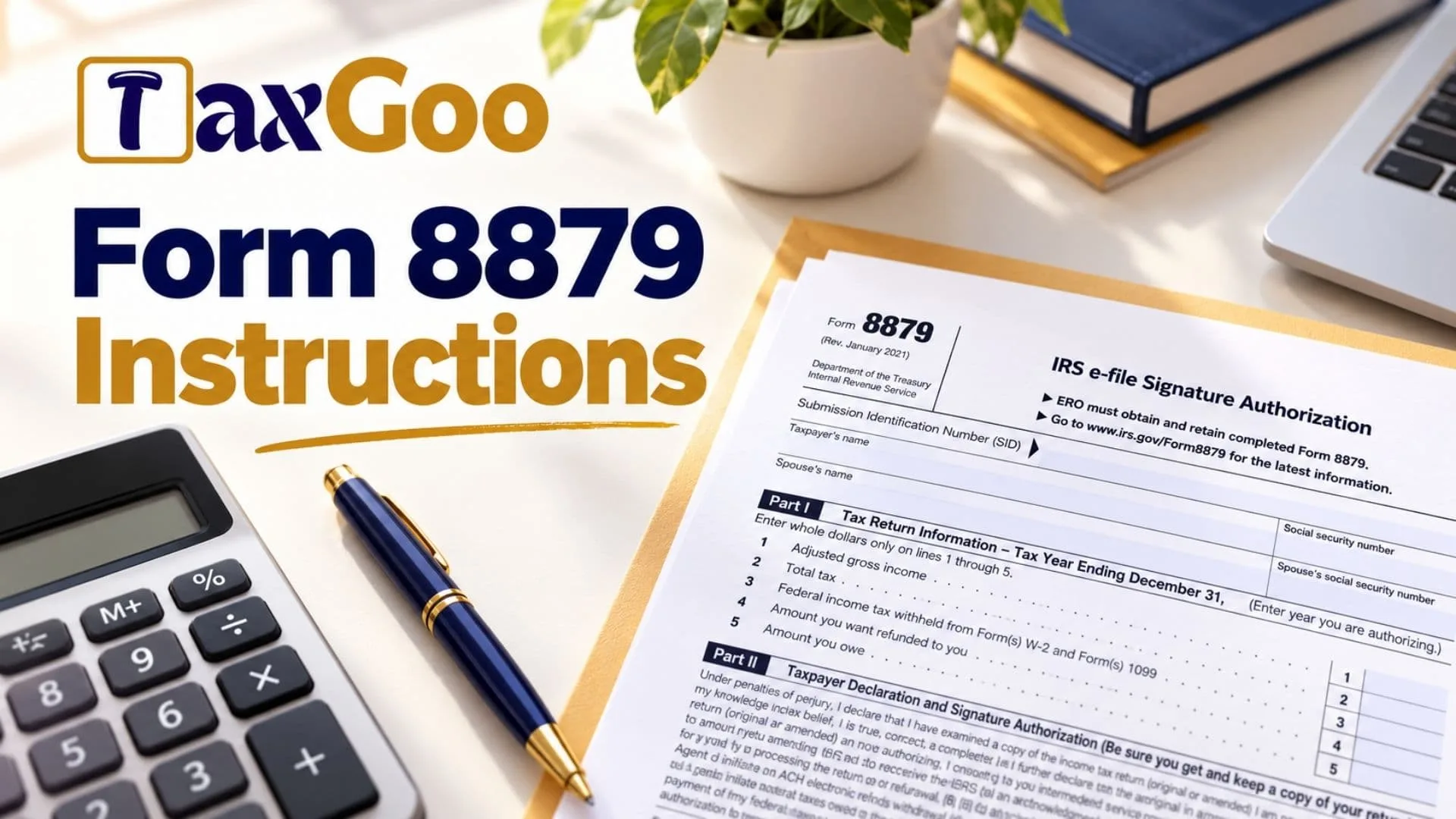
IRS Form 8879, known as the IRS e-file Signature Authorization, is a document used to authorize the electronic filing of an individual income tax return through an Electronic Return Originator (ERO). It serves as the taxpayer’s declaration that they have reviewed their tax return and agree that the information is accurate and complete to the best of their knowledge. The form also records the taxpayer’s authorization for the ERO to enter or generate a personal identification number (PIN) when permitted, or confirms that the taxpayer will enter their own PIN under the applicable filing method. Form 8879 can be used for original and amended individual income tax returns covered by the form’s instructions, including Forms 1040, 1040-SR, 1040-NR, 1040-SS, and 1040-X. It includes identifying information, selected figures from the tax return, signature authorization, and, when required, certification by the ERO. Completing the form correctly helps establish the taxpayer’s consent before the return is transmitted electronically. It is important to understand that Form 8879 is generally retained by the ERO rather than submitted with the tax return. Taxpayers should review the completed return, confirm the amounts entered on the authorization form, select the correct PIN option, and sign and date the document before the return is transmitted.
How To File Form 8879
Form 8879 is generally provided to the ERO responsible for electronically filing your tax return. The ERO must obtain the completed and signed form before transmitting the return or releasing it for transmission. The form is not ordinarily sent to the IRS unless the agency requests it.
Before completing Form 8879, prepare the following information:
- A copy of your completed original or amended federal income tax return.
- Your full legal name and Social Security number.
- Your spouse’s name and Social Security number, if applicable.
- The tax year covered by the authorization.
- The amounts needed for Part I, taken from the prepared return.
- Your chosen PIN authorization method.
- The ERO firm’s name, if you authorize the firm to enter or generate your PIN.
- Your signature and the date of signing.
- Your spouse’s signature and date, if applicable.
- Relevant payment information if you are authorizing an electronic withdrawal for taxes owed or estimated tax.
The ERO must verify the taxpayer’s identity, complete the applicable sections, and retain the form according to the required recordkeeping period.

How To Complete Form 8879
Taxpayer And Spouse Information
The top of the form identifies the taxpayer, any spouse included on the return, and the electronic submission associated with the authorization.
Submission Identification Number (SID)
Enter the 20-digit Submission Identification Number assigned to the electronic tax return. The ERO is responsible for entering or associating the correct number with the authorization. If Form 9325 is used to provide the SID, it may be associated with Form 8879 after filing. It does not have to be physically attached to Form 8879, but it must be retained according to the applicable recordkeeping requirements.
Taxpayer’s Name
Enter the taxpayer’s name as it appears on the income tax return being authorized. Check the spelling and ensure that the information corresponds to the correct return.
Taxpayer’s Social Security Number
Enter the taxpayer’s Social Security number. Verify the number carefully because it is used to identify the taxpayer associated with the electronic filing.
Spouse’s Name
If the return includes a spouse, enter the spouse’s name as shown on the tax return. This field is relevant when both spouses are included in the filing.
Spouse’s Social Security Number
Enter the spouse’s Social Security number when applicable. Confirm that it belongs to the spouse named in the preceding field.
Part I: Tax Return Information
Part I records selected amounts from the income tax return that the taxpayer is authorizing. The tax year is entered at the top of this section, and the amounts on Lines 1 through 5 must be entered in whole dollars only.
Tax Year Ending December 31
Enter the tax year for which you are authorizing the electronic return. Make sure the year matches the original or amended return being filed.
Line 1: Adjusted Gross Income
Enter the adjusted gross income (AGI) reported on the prepared tax return. AGI generally reflects total income after the adjustments allowed on the return. Copy the amount from the corresponding section of the return rather than calculating it independently on Form 8879.
Line 2: Total Tax
Enter the total tax shown on the tax return. Use the amount reported on the corresponding tax line of the return being authorized. Do not substitute your refund amount or the balance you owe.
Line 3: Federal Income Tax Withheld From Forms W-2 And 1099
Enter the total federal income tax withheld as reported on the applicable Forms W-2 and Forms 1099 included in the tax return. Verify the amount against the return and the relevant income documents.
Line 4: Amount You Want Refunded To You
Enter the refund amount requested on the income tax return. This is the amount you expect to receive as a refund, not the total tax withheld or the total tax liability.
If the return does not request a refund, use the amount shown on the prepared return and follow the ERO’s instructions for entering zero where appropriate.
Line 5: Amount You Owe
Enter the balance due reported on the tax return. This represents the amount the taxpayer owes rather than the amount requested as a refund.
Do not confuse the balance due with total tax. The two amounts serve different purposes on the return.
Special Rule For Form 1040-SS Filers
Taxpayers filing Form 1040-SS must use Line 4 only. Lines 1, 2, 3, and 5 must be left blank. Do not fill in these lines simply because corresponding amounts appear elsewhere in the tax preparation software.
Part II: Taxpayer Declaration And Signature Authorization
Part II contains the taxpayer’s declaration, consent to electronic filing, PIN authorization, and signature. Read this section carefully because signing it confirms that you have reviewed the return and authorize the actions described in the declaration.
Understanding The Declaration
By signing Form 8879, the taxpayer declares that they have examined a copy of the original or amended income tax return and believe it is accurate, correct, and complete. The taxpayer also confirms that the amounts entered in Part I correspond to the return being authorized.
The declaration includes consent for the intermediate service provider, transmitter, or ERO to send the return to the IRS and receive certain processing information, including:
- Confirmation that the IRS received the transmission or an explanation of why it was rejected.
- Information about a delay in processing the return or refund.
- The date of the refund.
The declaration also addresses electronic payment authorization. If applicable, the taxpayer authorizes the U.S. Treasury and its designated Financial Agent to initiate an electronic withdrawal from the bank account specified in the tax preparation software. This may cover federal taxes owed on the return or an estimated tax payment.
The authorization remains effective until the taxpayer notifies the U.S. Treasury Financial Agent to terminate it. To cancel a scheduled payment, the taxpayer must contact the Financial Agent at 1-888-353-4537. A cancellation request must be received no later than two business days before the scheduled settlement date.
The declaration further permits the financial institutions involved in processing the tax payment to receive the confidential information necessary to investigate questions and resolve payment-related issues.
Finally, the taxpayer acknowledges that the PIN entered under the selected authorization method serves as their signature for the authorized original or amended return and, when applicable, the electronic funds withdrawal consent.
Taxpayer’s PIN Authorization
The taxpayer must select one of the two available authorization options. Only one box should be checked.
Option 1: Authorize The ERO To Enter Or Generate The PIN
Check this box if you authorize the ERO to enter or generate your PIN on your behalf. Enter the ERO firm’s name on the authorization line, not the name of the individual tax preparer.
Enter the five-digit PIN in the designated boxes, following the applicable instructions. The PIN cannot consist entirely of zeros.
By selecting this option, you authorize the ERO firm to use the PIN as your signature on the income tax return being filed.
Option 2: I Will Enter My Own PIN
Select this box if you intend to enter your own PIN as your electronic signature. This option should be selected only when your return is being filed using the Practitioner PIN method.
When this option is used, the ERO must complete Part III of Form 8879. The taxpayer must enter their own PIN through the applicable filing process.
Your Signature
Sign the form to confirm the declaration and authorization. The signature may be handwritten or electronic if the supporting software permits an electronic signature.
Date
Enter the date you sign the form. The date should accurately reflect when you provide your authorization.
Spouse’s PIN Authorization
When a spouse is included on the return, the form provides a separate PIN authorization section. The spouse must review the information and select the appropriate option.
Option 1: Authorize The ERO To Enter Or Generate The Spouse’s PIN
Check this box if the spouse authorizes the ERO firm to enter or generate their PIN. Enter the firm’s name and the spouse’s five-digit PIN as required. The PIN must not consist entirely of zeros.
Option 2: The Spouse Will Enter Their Own PIN
Select this option when the spouse intends to enter their own PIN under the Practitioner PIN method. The ERO must complete Part III.
One spouse may authorize the ERO to enter their PIN while the other spouse enters their own PIN, provided the applicable filing requirements are met. A taxpayer cannot select or enter the PIN of an absent spouse.
Spouse’s Signature
The spouse must sign the form to provide their own authorization. Do not sign on behalf of a spouse who is not present to provide the required authorization.
Date
Enter the date the spouse signs the form.
Part III: Certification And Authentication
Part III is reserved for returns filed using the Practitioner PIN method. It must be completed when that method applies, including when the taxpayer enters their own PIN.
ERO Identification And PIN
ERO’s EFIN/PIN
Enter the ERO’s six-digit Electronic Filing Identification Number (EFIN), followed by the ERO’s five-digit self-selected PIN. The combined entry contains 11 digits.
The entry must not consist entirely of zeros. The ERO is responsible for ensuring that the correct EFIN and PIN are entered.
ERO Certification
The certification confirms that the numeric entry represents the ERO’s PIN and serves as the ERO’s signature for the electronic individual income tax return being authorized. The ERO also confirms that the return is being submitted in accordance with the Practitioner PIN method requirements and the applicable handbook for authorized IRS e-file providers.
ERO’s Signature
The ERO signs the form to certify the electronic filing authorization. The signature may be made using an accepted signature method, including a rubber stamp, mechanical signature device, or computer software program.
Date
Enter the date the ERO signs the certification.
Part III should not be completed unnecessarily when the Practitioner PIN method does not apply.
When Is Form 8879 Required?
The sections required depend on the PIN method and who enters the taxpayer’s PIN.
When the ERO does not use the Practitioner PIN method and the taxpayer enters their own PIN: Form 8879 is not required under the instructions described here.
When the ERO does not use the Practitioner PIN method and is authorized to enter or generate the taxpayer’s PIN: Complete Parts I and II.
When the Practitioner PIN method is used and the ERO is authorized to enter or generate the taxpayer’s PIN: Complete Parts I, II, and III.
When the Practitioner PIN method is used and the taxpayer enters their own PIN: Complete Parts I, II, and III.
The ERO should determine the applicable method before completing the form to ensure the correct sections are finished.
Responsibilities Of The Taxpayer
The taxpayer must review the prepared income tax return, including the direct deposit information, before authorizing electronic filing.
The taxpayer is responsible for:
- Checking the accuracy of the tax return.
- Selecting the correct PIN authorization option in Part II.
- Providing or verifying the five-digit PIN when required.
- Signing and dating Form 8879.
- Returning the completed form to the ERO.
- Reviewing any corrected version of the form if changes are made to the tax return.
The completed authorization may be returned by hand delivery, U.S. mail, private delivery service, email, an internet website, or fax.
The ERO must receive the signed form before the electronic return is transmitted or released for transmission.
Responsibilities Of The Electronic Return Originator
The ERO has several duties when preparing and retaining Form 8879.
Verify Taxpayer Identity
The ERO must confirm the identity of the taxpayer or taxpayers associated with the return.
Enter Taxpayer Information
The ERO must enter the taxpayer’s and spouse’s names and Social Security numbers at the top of the form.
Complete Part I
The ERO must transfer the appropriate amounts from the prepared tax return into Part I. Zero amounts may be entered when appropriate. Form 1040-SS filers must leave Lines 1, 2, 3, and 5 blank.
Enter Or Generate The PIN When Authorized
The ERO may enter the taxpayer’s PIN only when the taxpayer has authorized this action. The ERO must also enter the firm’s name on the relevant authorization line when required.
Provide The Form To The Taxpayer
The ERO must provide Form 8879 to the taxpayer for review and signature. Permitted delivery methods include hand delivery, U.S. mail, private delivery service, email, an internet website, or fax.
Retain The Completed Form
The ERO must keep the completed form for three years, measured from the return’s due date or the date the IRS received the return, whichever is later. Electronic retention is permitted when it follows the applicable recordkeeping requirements.
Provide Copies When Appropriate
The ERO must provide a copy of the signed form to the taxpayer upon request. If the return changes after the original form has been signed, the ERO must provide a corrected copy of Form 8879.
Authentication Requirements For Electronic Filing
The instructions distinguish between the Practitioner PIN method and other electronic filing methods.
When the Practitioner PIN method is used, the ERO is not required to enter the taxpayer’s date of birth, prior-year adjusted gross income, or PIN in the Authentication Record of the electronically filed return.
When the Practitioner PIN method is not used, the ERO must enter the taxpayer’s date of birth and either the adjusted gross income or PIN, or both, from the taxpayer’s originally filed prior-year return, as applicable.
The prior-year information must come from the original return. Do not use figures from an amended return or a mathematical correction made by the IRS.
Checking Your Tax Refund Status
After the IRS acknowledges receipt of your electronically filed return, you can check your refund status if at least 72 hours have passed.
If you filed Form 8379 with your return, the instructions advise allowing 11 weeks before checking the refund status.
You can check your refund through the IRS refund website or use the automated telephone services listed in the instructions:
- Automated refund information: 1-800-829-4477.
- Refund status assistance: 1-800-829-1954.
Follow the automated instructions provided by the relevant service.
Final Review Before Filing
Before returning Form 8879 to your ERO, review the following checklist to ensure that the form is complete and consistent with your tax return.
- Confirm that the taxpayer’s name and Social Security number are correct.
- Check the spouse’s identifying information, if applicable.
- Verify the tax year entered at the top of Part I.
- Confirm that Lines 1 through 5 match the prepared return.
- Enter whole-dollar amounts on Lines 1 through 5.
- If filing Form 1040-SS, use Line 4 only and leave the other specified lines blank.
- Review the declaration and electronic payment authorization in Part II.
- Select only one taxpayer PIN authorization option.
- Confirm that the ERO firm’s name is entered correctly when applicable.
- Verify that the PIN contains five digits and is not all zeros.
- Obtain the taxpayer’s signature and date.
- Obtain the spouse’s signature and date when applicable.
- Complete Part III if the Practitioner PIN method requires it.
- Verify the ERO’s six-digit EFIN and five-digit PIN when Part III applies.
- Ensure that the ERO has received the completed form before transmitting the return.
- Keep a copy of the completed authorization for your records.
Form 8879 is an important part of the electronic filing process because it documents your review of the tax return and authorizes its transmission. Carefully checking the identifying information, return amounts, PIN selections, and signatures can help prevent avoidable delays. Remember that the ERO generally retains Form 8879 and does not send it to the IRS unless requested.