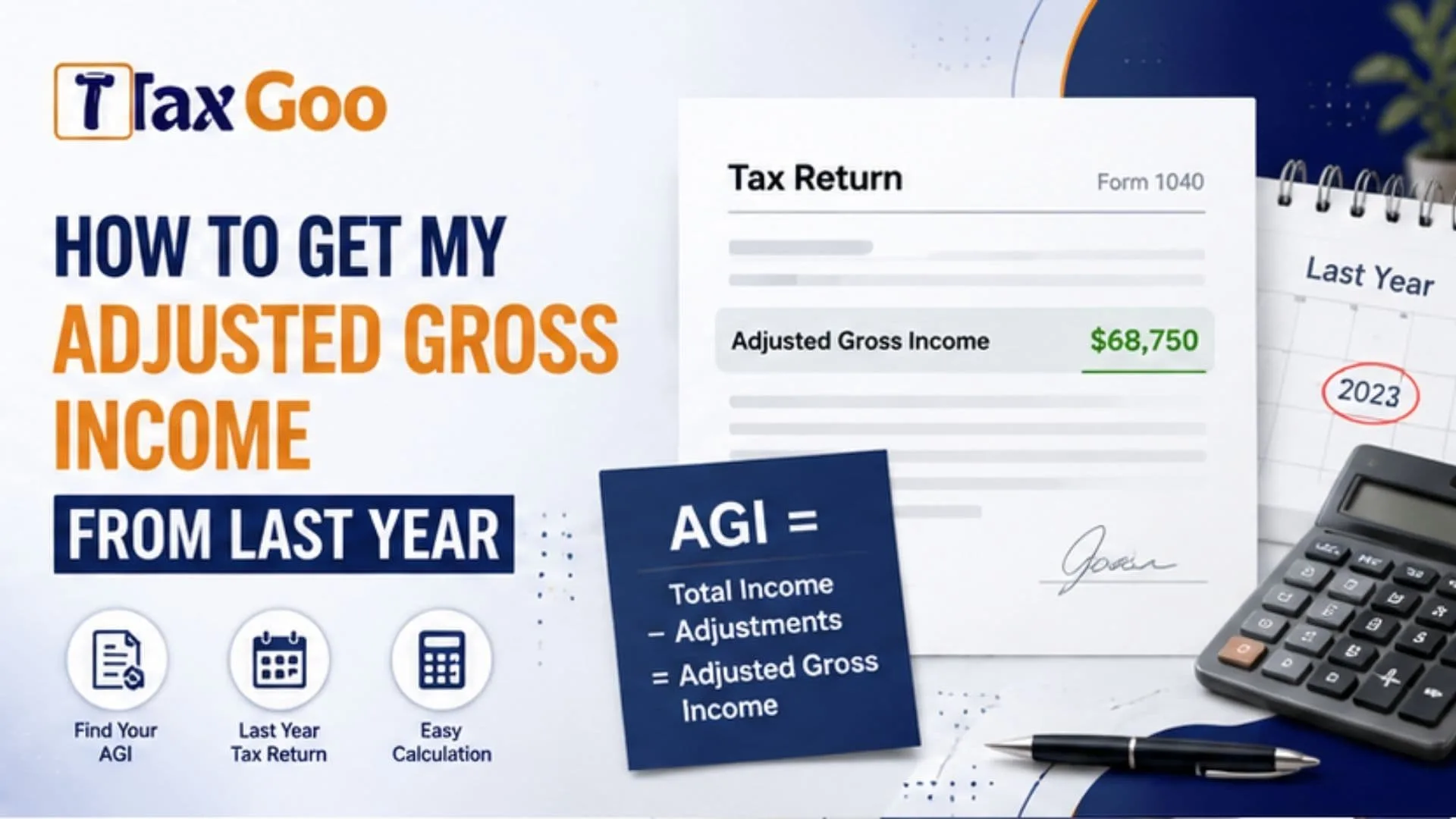
If you are wondering “How to get my adjusted gross income from last year,” the good news is that your prior-year adjusted gross income, commonly called AGI, is usually easier to locate than it sounds. Your adjusted gross income is an important number from your federal income tax return, and you may need your previous year’s AGI when filing a new federal tax return, confirming your identity, checking eligibility for certain tax benefits, or reviewing your personal tax records. The quickest place to look is usually your previous Form 1040. You may also be able to find your AGI through your IRS Online Account, a prior-year tax return transcript, the tax software you previously used, or the tax professional who prepared your return. The IRS defines adjusted gross income generally as gross taxable income minus certain adjustments to income. AGI is different from taxable income and modified adjusted gross income, so using the exact number requested is important. Knowing where to find last year’s AGI can save you from searching through every W-2, 1099, deduction, and tax document individually.
What Is Adjusted Gross Income?
Adjusted gross income is generally calculated by taking your total income and subtracting eligible adjustments to income.
Income can include items such as wages, taxable interest, dividends, business income, capital gains, rental income, and certain retirement income.
Adjustments may include qualifying items such as certain IRA deductions, student loan interest, deductible portions of self-employment tax, and other adjustments allowed under applicable tax rules.
Your AGI is calculated before your standard deduction or itemized deductions are used to determine taxable income.
The IRS identifies AGI on Form 1040 and explains that it can be needed for tax filing and qualification for certain credits or other tax benefits.
Check Your Previous Tax Return First
The simplest solution is to find the copy of the federal income tax return you filed for the previous year.
On Form 1040, look for the line labeled Adjusted Gross Income. IRS guidance identifies AGI on line 11 of Form 1040, although you should always read the label on the applicable year’s form because tax forms can change.
Do not confuse AGI with:
- Total income
- Taxable income
- Federal income tax withheld
- Refund amount
- Modified adjusted gross income
If you filed electronically, you may have a PDF copy of your return stored on your computer, email account, cloud storage, or tax preparation account.
Search for the complete return rather than relying on a W-2 because your W-2 wages alone do not necessarily equal your AGI.
Find Your AGI Through Your IRS Online Account
If you cannot locate your previous return, your IRS Online Account is another option.
The IRS states that taxpayers looking for a prior-year AGI can access their Online Account and select the relevant tax year through the Records and Status section.
After signing in, carefully select the correct tax year.
This distinction matters. If you are filing one year’s tax return and the filing process asks for prior-year AGI, it generally wants information from the original return for the immediately preceding tax year.
Do not automatically use your current income or the AGI from the return you are currently preparing.
Your IRS account may also provide access to other tax information that can help you confirm you are looking at the correct year.
Request A Tax Return Transcript
If you cannot access your previous return or IRS Online Account, you can request a tax return transcript.
A tax return transcript contains information from the return and can be used to locate your prior-year adjusted gross income.
The IRS provides an online transcript option, and taxpayers who cannot obtain the information online may have other transcript request methods available. IRS guidance instructs taxpayers using a Tax Return Transcript for this purpose to locate the Adjusted Gross Income entry.
A transcript is especially helpful when:
- You lost the original tax return.
- Your previous computer no longer contains your tax documents.
- You changed tax preparation software.
- You cannot access an old tax preparation account.
- You need to verify information from a previously filed return.
Make sure you request information for the correct tax year.

Check Your Previous Tax Software Or Tax Preparer
If you used tax preparation software last year, log in to the same account and look for previous returns or tax documents.
Many tax platforms allow returning users to access copies of earlier filings.
If a professional tax preparer filed the return for you, contact the preparer and ask whether they can provide your copy of the prior-year return.
IRS guidance also identifies a retained tax return, previous tax preparation software, or a paid preparer as possible ways to retrieve the prior-year AGI.
Keep the complete return after you obtain it. It may be useful for future tax filing, loan applications, financial planning, or verifying historical tax information.
Use The Original AGI When Required For E-Filing
A common source of confusion appears when someone amended last year’s tax return.
For electronic filing authentication, the IRS says the prior-year AGI should come from the originally filed return rather than the AGI produced by a later amended return, math correction notice, or IRS adjustment.
That difference is important.
Imagine your original return reported an AGI of $52,000, but an amended return later changed it to $55,000. If your tax software specifically asks for the prior-year original AGI for authentication, using the amended figure can result in a mismatch.
Read the filing prompt carefully and enter the type of AGI it requests.

Frequently Asked Questions
Where Is AGI On Form 1040?
The IRS identifies adjusted gross income on the AGI line of Form 1040, currently line 11 in its general guidance.
Is AGI The Same As Taxable Income?
No. AGI is calculated before the standard deduction or itemized deductions used in determining taxable income.
Can I Get My AGI From The IRS?
Yes. You can use your IRS Online Account or obtain a tax return transcript for the appropriate year.
Should I Use My Amended AGI For E-Filing?
When the filing system requests your prior-year original AGI for authentication, use the original return amount rather than the amended amount.