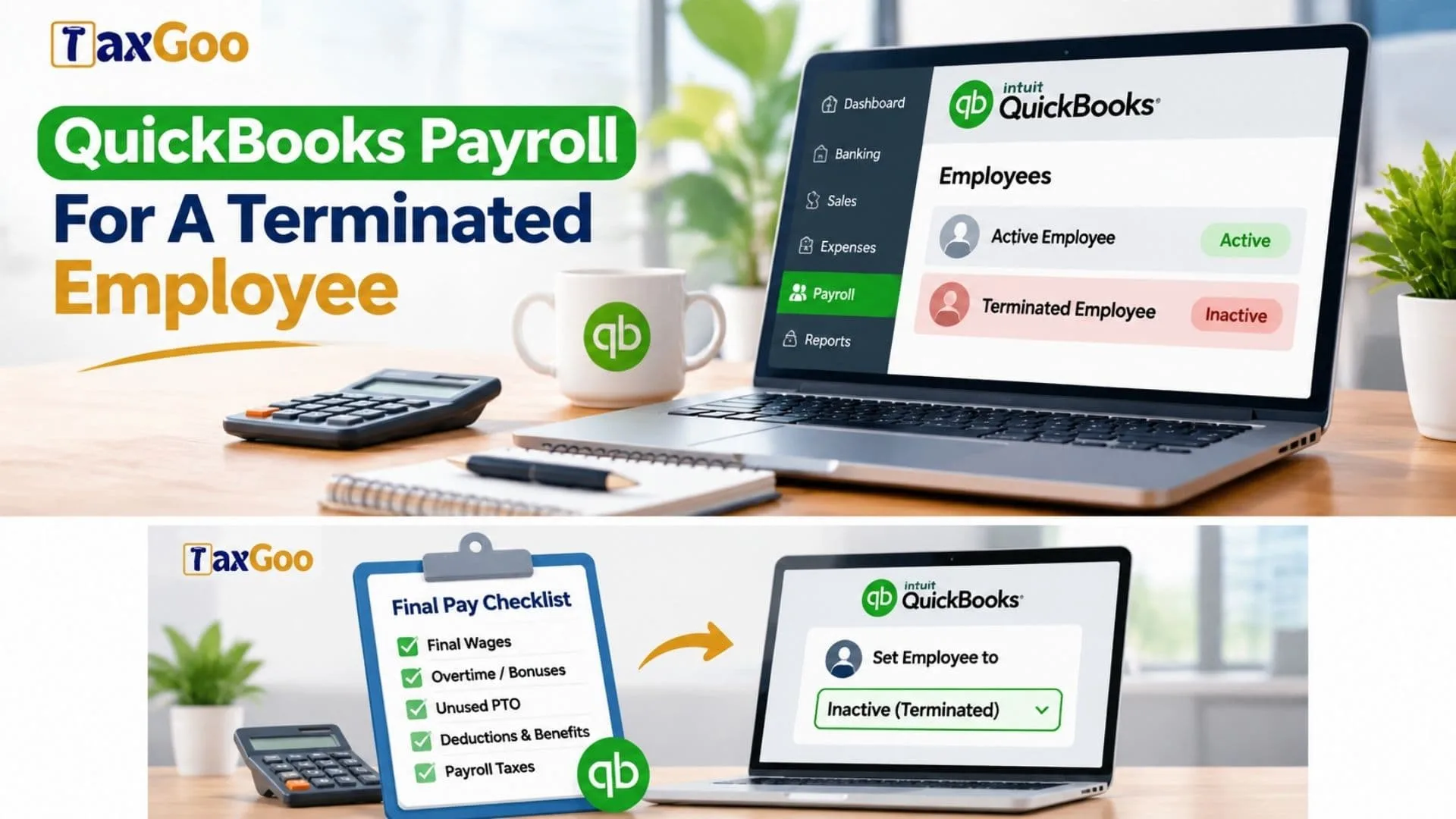
Quickbooks Payroll For A Terminated Employee is a topic that matters whenever a business owner, bookkeeper, or HR manager needs to process a final paycheck, update employee status, handle unused vacation or PTO, and make sure payroll records stay accurate in QuickBooks Payroll. If you are dealing with employee termination, final wages, tax withholding, direct deposit timing, severance pay, payroll compliance, or year-end forms, it is important to understand how QuickBooks Payroll fits into the offboarding process. A terminated employee may still need a last paycheck, reimbursement, benefit adjustments, and proper tax reporting, so knowing how to record payroll correctly can help you avoid payroll errors, delayed payments, compliance headaches, and messy bookkeeping later on.
What This Process Is Really About
When an employee is terminated, payroll does not simply stop with one click. You need to make sure the employee receives any final compensation they are legally owed, and you also need to reflect that change correctly inside your payroll system. In QuickBooks Payroll, that usually means reviewing the employee profile, confirming the termination date, calculating final earnings, and deciding whether the employee should remain in the system as inactive after the last payroll is completed.
This process is both administrative and financial. It affects payroll taxes, reporting, deductions, and sometimes even your cash flow if a larger final payment is involved.
What To Include In A Final Paycheck
The final paycheck for a terminated employee may include more than regular wages. Depending on your state laws and your company policy, the final pay can include unpaid salary or hourly wages, overtime, commissions, bonuses, reimbursable expenses, and unused paid time off if that benefit must be paid out.
Some employers also include severance pay, though severance is usually handled based on an agreement or company policy rather than automatic payroll rules. Before processing anything in QuickBooks Payroll, gather all the relevant figures so the final paycheck is complete and accurate. Missing one item can create confusion, employee disputes, and unnecessary rework.
How To Handle A Terminated Employee In QuickBooks Payroll
The usual workflow starts with processing the final paycheck first. In QuickBooks Payroll, you should review the employee’s pay type, hours, earnings, and deductions before submitting payroll. Make sure the final payroll run includes all earnings that apply to that employee.
After the paycheck is created, review the tax calculations and confirm whether direct deposit is still appropriate. In some situations, a paper check may be better, especially if timing is important or if state law requires faster payment than the payroll processing window allows. Some states require final wages to be paid immediately or within a short number of days, so payroll timing matters just as much as accuracy.
Once the final paycheck is complete, you can update the employee’s profile. In QuickBooks Payroll, employers typically mark the worker as inactive rather than deleting the employee. This is important because payroll records, tax history, and prior paychecks need to stay in the system for reporting and audit purposes.

Why You Should Not Delete The Employee
A common mistake is trying to remove the terminated employee entirely. That usually creates more problems than it solves. Payroll systems are designed to keep historical records, and QuickBooks Payroll relies on those records for reports, tax forms, and year-end filings.
By making the employee inactive, you preserve their payroll history while keeping your active employee list clean. This is especially useful if you need to review prior wages, verify tax withholdings, or prepare a W-2 later. In short, inactive is tidy, practical, and much safer than trying to erase the record.
Watch Out For Deductions And Benefits
Terminating an employee often means deductions need to be reviewed carefully. Health insurance, retirement contributions, wage garnishments, and other recurring deductions may need to stop with the final paycheck or be adjusted depending on timing.
For example, if the employee has benefit deductions scheduled but coverage ends at month-end, you may need to decide whether the final payroll should still include those amounts. The same goes for retirement contributions or loan repayments. QuickBooks Payroll can calculate deductions, but you still need to verify that the setup matches the employee’s final situation.
Taxes, Forms, And Compliance
Payroll taxes still apply to final wages in most cases. If severance is paid through payroll, it may also be taxable. That means the final paycheck should be treated carefully, with the correct federal, state, and local tax settings in place.
The terminated employee will still receive the appropriate year-end tax forms, such as a W-2, for the wages paid during that year. This is another reason the employee record should remain intact in QuickBooks Payroll. Proper documentation also helps if the employee later has questions about earnings, withholding, or unemployment verification.
Because final paycheck laws vary by state, it is wise to check local rules on when payment must be made and what must be included. QuickBooks Payroll helps with recordkeeping and payroll processing, but the employer is still responsible for following labor laws.
Best Practices For A Smooth Offboarding Payroll Process
The cleanest way to manage payroll after termination is to use a checklist. Confirm the termination date, calculate all final earnings, verify PTO payout rules, review deductions, and double-check payment timing. Then process the final payroll, save documentation, and mark the employee inactive only after the last paycheck is completed.
It is also smart to communicate clearly with the employee. Let them know when they will receive final pay, whether it will come by direct deposit or check, and what they can expect regarding tax forms and records. Clear communication reduces stress on both sides and makes the process feel much more controlled.
Final Thoughts
QuickBooks Payroll can make handling a terminated employee much easier, but accuracy still depends on the steps you take. The key is to process the final paycheck correctly, include all wages and required payouts, review deductions and taxes, and then mark the employee as inactive instead of deleting their record.
When handled properly, the process stays organized, compliant, and far less stressful. A little attention at the end of employment can save a lot of confusion later.
FAQs
How Do I Remove A Terminated Employee In QuickBooks?
Do not delete them. Mark the employee as inactive after the final paycheck is processed.
Should A Terminated Employee Still Get A W-2?
Yes. If they were paid during the year, they should still receive a W-2.
Can Final Pay Include Unused PTO?
Yes, if your policy or state law requires it.
Is Severance Run Through Payroll?
Usually yes, if it is paid as taxable compensation.