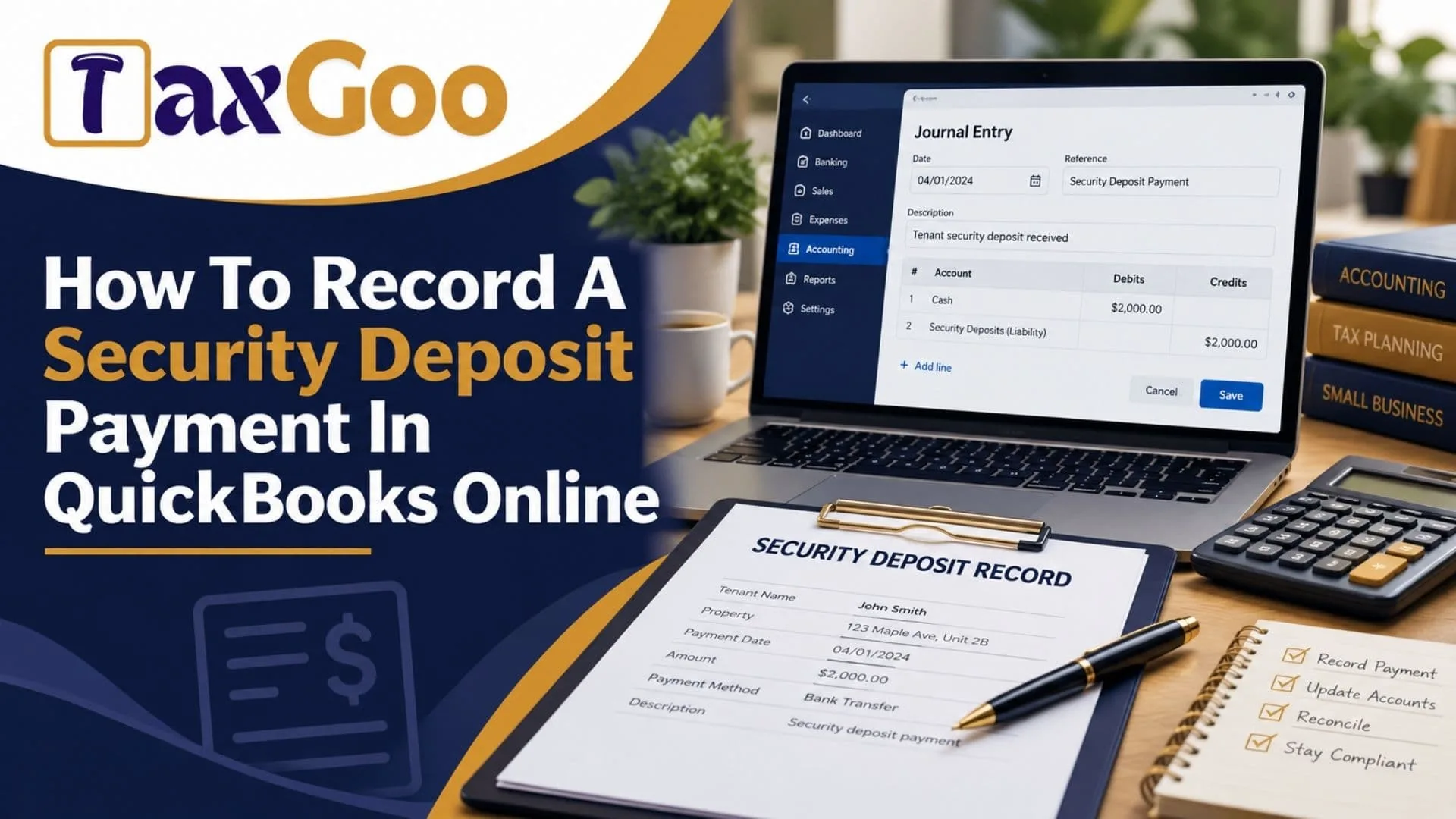
If you are wondering how to record a security deposit payment in QuickBooks Online, the correct accounting method depends on whether the deposit is refundable and how you paid it. For most businesses, a refundable security deposit paid to a landlord, property manager, or vendor should be recorded as an asset rather than an immediate business expense. This means you can track the amount you expect to receive back when your lease ends or the agreement is fulfilled. Understanding the proper journal entry for a security deposit paid, the correct QuickBooks Online account category, and the difference between a refundable deposit and a nonrefundable payment can help you maintain accurate bookkeeping. Whether you use a bank transfer, business check, or credit card, QuickBooks Online allows you to record the transaction through an expense form, check, or journal entry. By choosing the appropriate asset account and recording the payment correctly, you can keep your balance sheet accurate, simplify bank reconciliation, and make it easier to track the deposit when it is eventually refunded.
Why Should You Record A Security Deposit As An Asset?
A refundable security deposit represents money your business expects to recover in the future. Since the payment has not necessarily become an expense, it generally belongs on your balance sheet as an asset.
For example, suppose your business pays a landlord $2,000 as a refundable security deposit for an office lease. You have paid the money, but you may receive it back when the lease ends. Recording the payment as rent expense would incorrectly reduce your current profit.
Instead, create an account called Security Deposits Paid under Other Current Assets if you expect to recover the money within the next year. If recovery is expected later, a longer-term asset classification may be more appropriate.
This approach keeps the deposit separate from ordinary operating expenses and helps you track the amount your business expects to recover.
How To Create A Security Deposit Account In QuickBooks Online
Before entering the payment, check whether your Chart of Accounts already contains a suitable security deposit account.
If one does not exist, follow these steps:
- Open QuickBooks Online and navigate to All Apps, then Accounting, then Chart Of Accounts. Depending on your interface, you may also access the chart through Settings.
- Select New Account.
- Enter an account name, such as Security Deposits Paid.
- Choose Other Current Assets as the account detail type when appropriate for a deposit expected to be recovered within a year.
- Add a description explaining that the account tracks refundable business security deposits.
- Save the account.
The exact account type should reflect when you expect to recover the deposit. You can review the official QuickBooks guide to adding accounts for additional guidance.
How To Record A Security Deposit Payment In QuickBooks Online
For a deposit you have already paid, using the Expense or Check form is often the simplest approach. Both methods can record the payment against your security deposit asset account.
Step 1: Open The Expense Or Check Form
From QuickBooks Online, select + Create and choose Expense if you paid by electronic transfer or credit card. If you paid by check, choose Check.
Step 2: Enter The Payment Details
Select the landlord, property manager, or vendor receiving the deposit. Enter the payment date, payment account, and payment method.
Step 3: Select The Security Deposit Account
In the Category Details section, choose Security Deposits Paid, the asset account you created earlier. Enter a clear description, such as Refundable Office Lease Deposit, and enter the amount paid.
Step 4: Save The Transaction
Review the information and select Save And Close. QuickBooks will record the payment against the asset account and reduce the selected bank or credit card account accordingly.
For more details about recording payments you have already made, see the official QuickBooks Online expense instructions.
What Is The Journal Entry For A Security Deposit Paid?
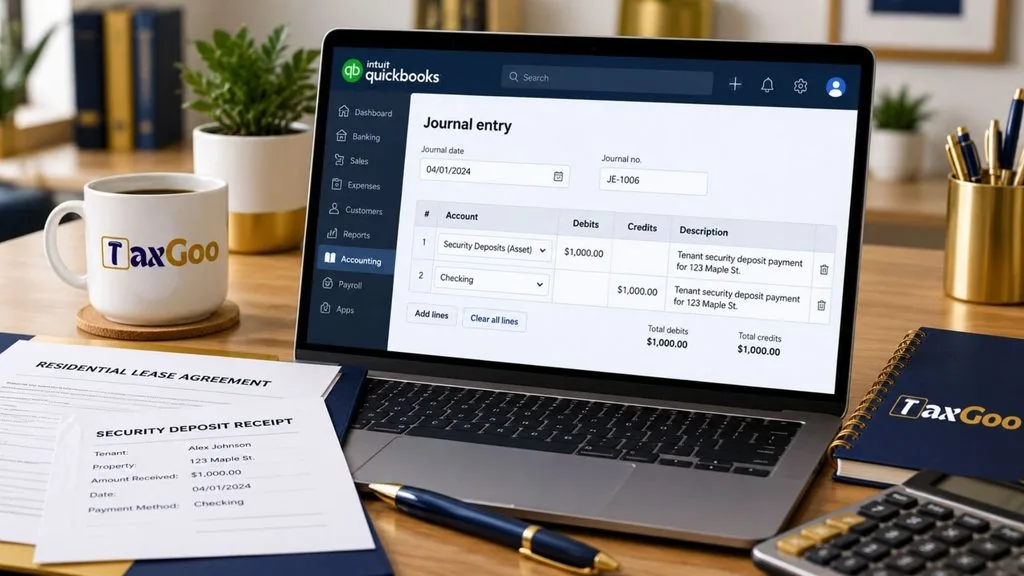
If you need to record the transaction using a journal entry, the accounting entry for a refundable security deposit paid from your business bank account is straightforward.
For example, assume your company pays a refundable security deposit of $2,000.
| Account | Debit | Credit |
|---|---|---|
| Security Deposits Paid, Asset | $2,000 | $0 |
| Business Checking Account | $0 | $2,000 |
| Total | $2,000 | $2,000 |
The debit increases the security deposit asset, while the credit decreases the business bank balance.
To enter this in QuickBooks Online, select + Create, then Journal Entry. Enter the transaction date, add the security deposit asset account on the debit line, and select the appropriate bank account on the credit line. Enter the same amount on both lines, add a descriptive memo, and save the entry.
Use the Expense or Check form instead when possible because it provides more detailed payment information. Also, avoid recording both a journal entry and a separate expense for the same payment, as this would duplicate the transaction.
How To Record A Security Deposit Refund
When the landlord or vendor returns your deposit, you need to reverse the asset balance associated with the amount refunded.
Suppose you originally paid $2,000 and later receive the full amount back. The journal entry is:
| Account | Debit | Credit |
|---|---|---|
| Business Checking Account | $2,000 | $0 |
| Security Deposits Paid, Asset | $0 | $2,000 |
| Total | $2,000 | $2,000 |
This entry increases your bank balance and reduces the security deposit asset to zero.
If you receive only a partial refund, record the amount returned and review the remaining balance. Any amount retained by the landlord, such as a charge for property damage, should be classified according to the reason for the deduction and the applicable accounting treatment.
Common Mistakes To Avoid
One common mistake is categorizing a refundable security deposit as rent expense immediately. Doing so can understate your assets and overstate your expenses.
Another mistake is creating duplicate records. If the payment already appears in your connected bank transactions, categorize or match that existing transaction instead of entering it again.
You should also retain the lease agreement, payment confirmation, receipt, and refund documentation. These records help establish the amount paid, the conditions for repayment, and any deductions made when the deposit is returned.
Finally, distinguish refundable deposits from nonrefundable fees. A nonrefundable payment may need to be recorded as an expense or prepaid expense, depending on what it covers and when the related benefit is received.
Keep Your QuickBooks Records Accurate
Recording a security deposit payment correctly in QuickBooks Online helps your business maintain reliable financial statements and track money it expects to recover. For a refundable deposit, the usual approach is to debit a security deposit asset account and credit the bank or credit card account used for payment.
Choose the transaction method that fits your situation, keep supporting documents, and review the balance when the deposit is refunded or applied to another obligation. If the agreement includes unusual refund conditions or a portion of the deposit becomes nonrefundable, consult your accountant to confirm the appropriate treatment.
Frequently Asked Questions
1. Is A Security Deposit An Expense In QuickBooks Online?
A refundable security deposit is generally recorded as an asset, not an immediate expense.
2. What Is The Journal Entry For A Security Deposit Paid?
Debit Security Deposits Paid and credit the bank or credit card account used to make the payment.
3. Can I Record A Security Deposit Without A Journal Entry?
Yes. You can use the Expense or Check form and select your security deposit asset account as the category.
4. How Do I Record A Security Deposit Refund?
Debit your bank account and credit the security deposit asset account for the amount returned.
5. What If My Security Deposit Is Not Refundable?
The appropriate treatment depends on what the payment covers and when the related benefit is received. It may be an expense or a prepaid expense rather than a refundable asset.