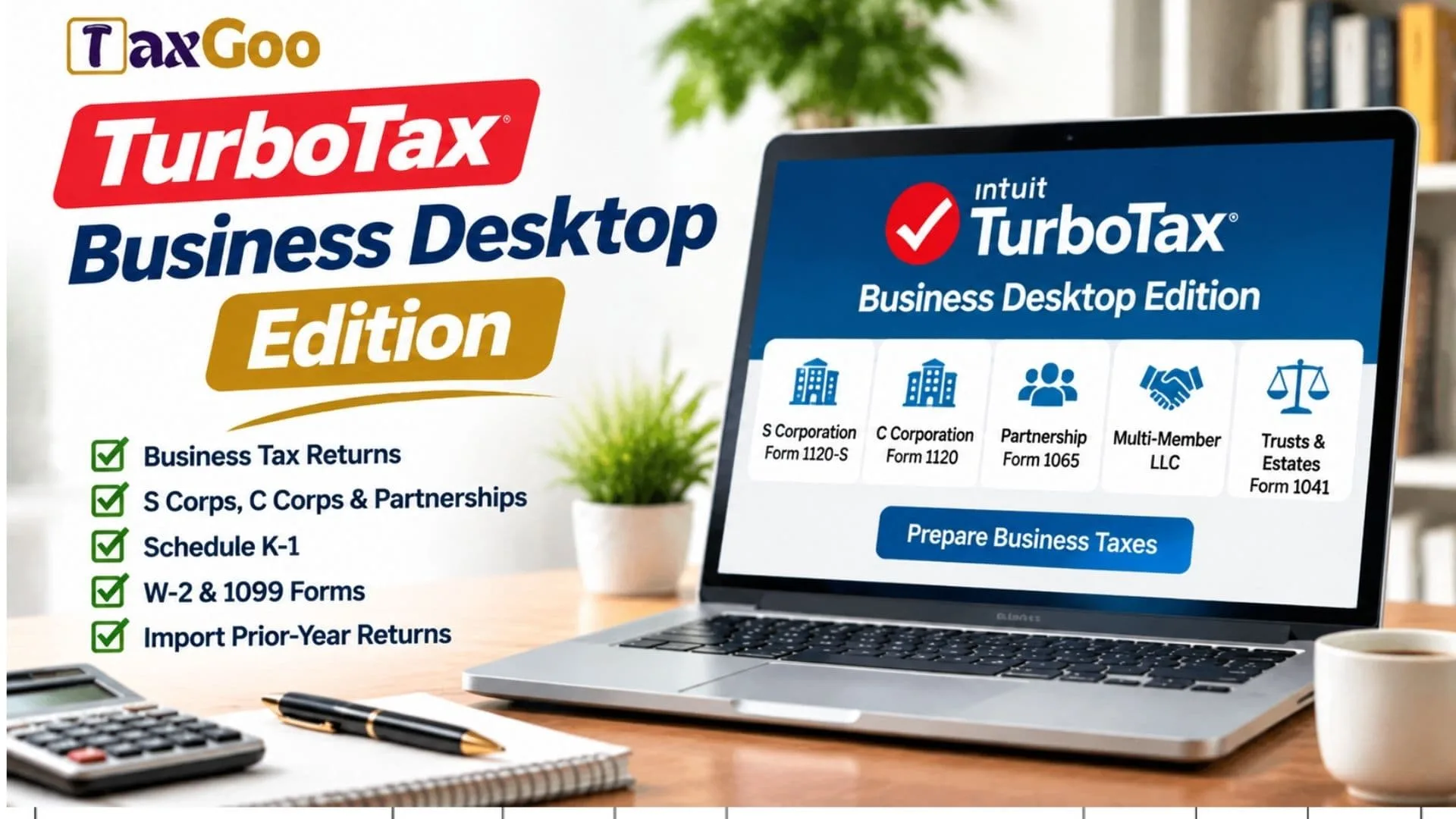
Managing business taxes can be challenging, especially when you need to report company income, expenses, employee payments, and financial information accurately. TurboTax Business Desktop Edition is designed to make business tax preparation easier by guiding business owners through the process of preparing and filing federal business tax returns. Developed by Intuit, this desktop tax software supports several business structures, including S corporations, C corporations, partnerships, multi-member LLCs, trusts, and estates. Instead of navigating complicated tax forms entirely on your own, you can use guided questions, built-in tax calculations, and business-specific deductions to organize your financial information. TurboTax Business Desktop also offers features such as importing previous-year returns, preparing Schedule K-1 forms, and creating W-2 and 1099 forms through Quick Employer Forms. Whether you manage a growing corporation, operate a partnership, or handle accounting responsibilities for multiple businesses, understanding what this software offers can help you decide whether it fits your tax preparation needs. In this guide, we explore TurboTax Business Desktop Edition’s features, supported business types, pricing considerations, system requirements, and how to get started.
What Is TurboTax Business Desktop Edition?
TurboTax Business Desktop Edition is a business tax preparation program developed by Intuit for Windows computers. It helps businesses prepare federal income tax returns based on their legal and tax classification.
Unlike personal tax software, which primarily focuses on individual income, deductions, and credits, TurboTax Business is designed for business entities that file separate federal tax returns.
The software supports several business tax situations and provides guided assistance for entering business income, expenses, deductions, and other financial information.
It is particularly useful for business owners, accountants, and tax preparers who want to manage eligible business tax returns using desktop software.
Who Should Use TurboTax Business Desktop?
TurboTax Business Desktop is intended for specific business structures rather than every self-employed individual.
It supports:
- S Corporations: Businesses filing federal Form 1120-S.
- C Corporations: Corporations filing federal Form 1120.
- Partnerships: Businesses filing federal Form 1065.
- Multi-Member LLCs: Eligible LLCs generally filing Form 1065.
- Trusts And Estates: Fiduciary tax returns filed using Form 1041.
One important distinction is that TurboTax Business Desktop is not the same as TurboTax Home & Business.
Sole proprietors and many single-member LLC owners generally report business income on their individual Form 1040 using Schedule C. TurboTax Home & Business is designed for these personal and self-employment tax situations.
Choosing the correct product depends on how your business is classified for federal tax purposes.
Key Features Of TurboTax Business Desktop Edition
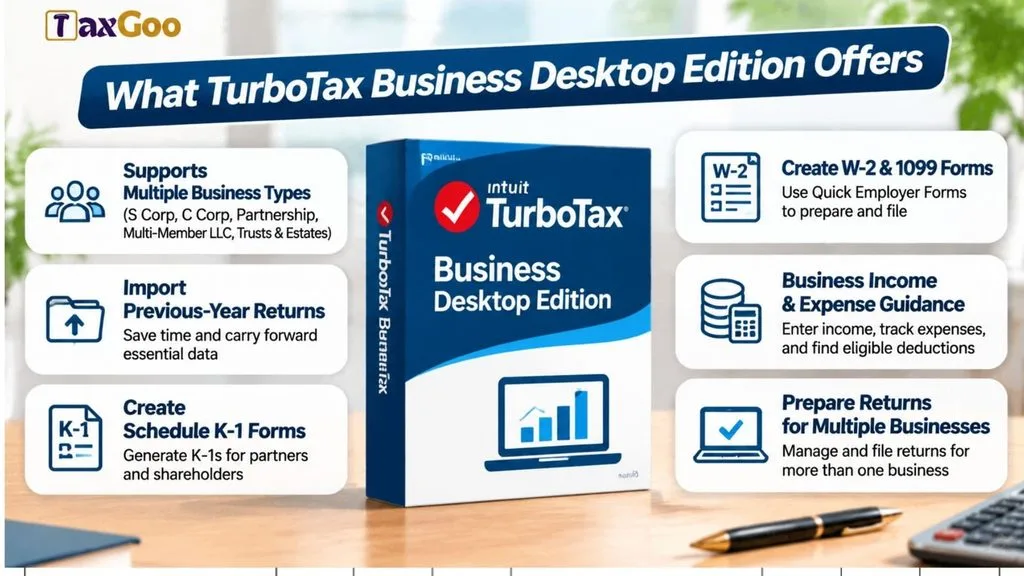
1. Support For Multiple Business Structures
One of the main advantages is its ability to handle different types of business tax returns.
Whether you operate an S corporation, C corporation, partnership, multi-member LLC, or qualifying trust, the software provides guidance for the relevant federal tax forms.
This makes it useful for business owners and tax professionals managing different entity types.
2. Import Previous-Year Tax Returns
Entering business information from scratch every tax season can take considerable time.
TurboTax Business Desktop allows users to import eligible previous-year TurboTax returns, helping carry forward relevant information into the new tax year.
This can reduce repetitive data entry and make annual tax preparation more convenient.
3. Create W-2 And 1099 Forms
Businesses often need to report payments made to employees and independent contractors.
TurboTax Business includes access to Quick Employer Forms, which helps eligible users prepare and electronically file W-2 and 1099 forms.
This feature can simplify certain employee and contractor reporting responsibilities.
4. Business Income And Expense Guidance
Accurately reporting business income and deductible expenses is essential when preparing a company tax return.
TurboTax Business provides guidance for entering different income sources and business expenses.
It also helps identify relevant deductions based on business activities, including eligible advertising, travel, supplies, and other operating expenses.
5. Prepare Tax Returns For Multiple Businesses
If you manage more than one business, preparing separate returns can become time-consuming.
TurboTax Business Desktop allows users to prepare tax returns for multiple businesses, including eligible businesses with different entity types.
Each business must have its own applicable tax return and supporting financial information.
6. Create Schedule K-1 Forms
Partnerships and S corporations often need to distribute business income, deductions, and other tax information to their owners.
TurboTax Business can generate Schedule K-1 forms electronically in PDF format.
These forms help partners and shareholders report their allocated business income and other tax items on their individual tax returns.
TurboTax Business Desktop Pricing
TurboTax Business Desktop pricing depends on the tax year, purchase channel, and available offers.
For example, Intuit’s listed 2025 federal product price was approximately $190, with five federal e-files included. State downloads are sold separately.
Before purchasing, review the product listing carefully to understand what is included.
Consider checking:
- Federal e-filing allowances.
- State tax software availability.
- State filing charges.
- Supported business tax forms.
- Current promotional offers.
- Tax-year compatibility.
Remember that product pricing and included services can change between tax seasons.
TurboTax Business Desktop System Requirements
Before purchasing or installing the software, check whether your computer meets the requirements.
For the 2025 TurboTax Business Desktop edition, the published Windows requirements include:
| Requirement | Specification |
|---|---|
| Operating System | Windows 11 (64-bit) |
| RAM | 4 GB or more recommended |
| Storage | 1 GB, plus additional space for .NET if needed |
| Internet | Required for activation and updates |
| Monitor | 1024 × 768 or higher |
| Permissions | Administrator rights required |
Important: TurboTax Business Desktop is designed for Windows and is not available for Mac. Check the requirements for your specific tax year before installation because supported operating systems can change.
How To Get Started With TurboTax Business Desktop
Getting started is relatively straightforward.
- Choose The Correct Edition: Confirm that your business structure is supported by TurboTax Business Desktop.
- Purchase The Software: Obtain the appropriate tax-year edition from Intuit or an authorized retailer.
- Download And Install: Follow the official installation instructions on a compatible Windows computer.
- Activate Your Product: Sign in with your Intuit account and complete product activation.
- Enter Business Information: Provide the requested company details, income, expenses, and other financial information.
- Review Your Tax Return: Check the calculations, business details, and applicable tax forms.
- File Your Return: Use the available federal e-filing options or follow the applicable filing instructions.
Keep your financial statements, receipts, payroll records, and supporting documents available throughout the process.
Is TurboTax Business Desktop Worth It?
TurboTax Business Desktop can be a practical option for businesses that need to prepare federal tax returns for supported business entities.
Its guided tax preparation, previous-year data import, Schedule K-1 generation, and Quick Employer Forms integration can make certain tax preparation tasks easier.
However, it may not be suitable for every business. Sole proprietors and many single-member LLC owners should consider TurboTax Home & Business instead.
Businesses with complicated tax structures, unusual transactions, or specialized reporting requirements may also benefit from working with a qualified tax professional.
Final Thoughts
TurboTax Business Desktop Edition offers a collection of tools designed to simplify business tax preparation for corporations, partnerships, multi-member LLCs, trusts, and estates. Its guided workflows, business deduction assistance, electronic filing options, and previous-year return import capabilities can help reduce the complexity of preparing business tax returns.
Before purchasing, make sure your business structure, computer operating system, and tax filing requirements match the product’s capabilities. Choosing the right edition can make your annual tax preparation process more organized and manageable.